
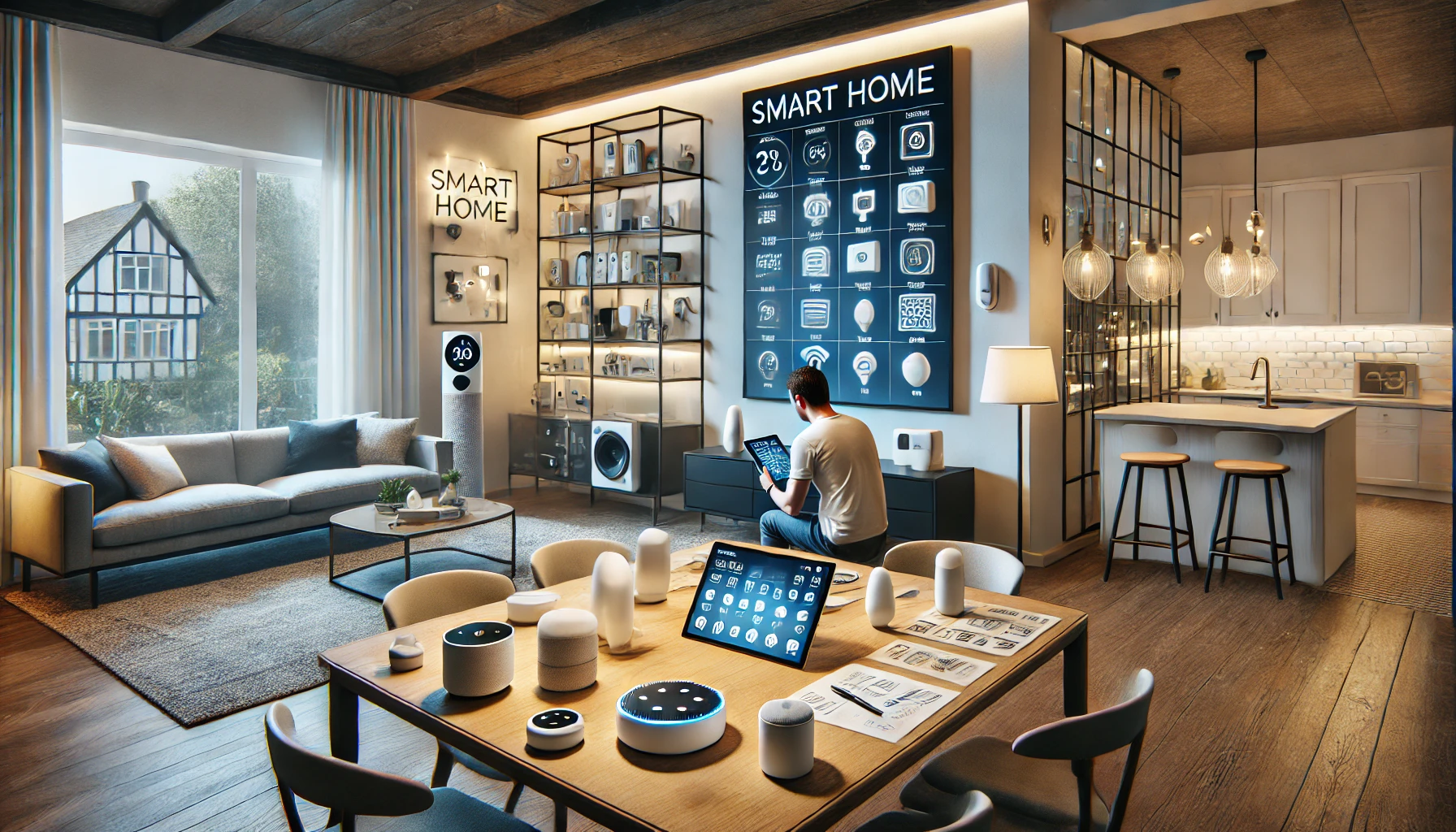
Transforming your house into a smart home can be exciting. Voice commands, automation, energy savings, and security all sound appealing — and they are. But before diving headfirst into the world of smart home tech, it’s important to plan properly. Many people rush into buying devices without considering compatibility, security, or actual needs — and end up with a cluttered, frustrating system.
In this article, we’ll explore everything you should know before starting your smart home project. Whether you’re a total beginner or looking to scale up your current setup, these insights will help you build a smarter home with confidence.
Step 1: Understand What a Smart Home Really Is
A smart home isn’t just a collection of gadgets — it’s a connected ecosystem where devices communicate with each other and respond automatically to your needs.
Key elements of a smart home:
- Automation (lights turn off when you leave)
- Voice control (adjust thermostat with a command)
- Remote access (see who’s at your door from anywhere)
- Energy optimization (smart thermostats and plugs)
- Security monitoring (cameras, doorbells, sensors)
The goal is not to have the most gadgets — it’s to create an environment that simplifies your life.
Step 2: Define Your Goals and Priorities
Before buying anything, ask yourself: What do I want from a smart home?
Here are some common goals:
- Convenience: Automate daily tasks like lighting, coffee, or climate
- Security: Monitor your property, control locks, receive alerts
- Energy savings: Lower bills with smart thermostats, lighting, and appliances
- Accessibility: Assist elderly family members or those with mobility limitations
- Entertainment: Sync music, lighting, and TV for a seamless experience
Prioritize what matters most to you. This will guide every decision going forward.
Step 3: Choose a Smart Home Ecosystem
Your ecosystem is the central platform through which you control and integrate devices. Choosing the right one early is crucial for long-term compatibility.
The three major ecosystems:
- Amazon Alexa: Broadest device compatibility, budget-friendly options
- Google Assistant: Great for Android users and Google integrations
- Apple HomeKit (Siri): Ideal for iPhone/Mac users, strong privacy focus
Tip: Stick with one platform. Mixing ecosystems often causes frustration, app overload, and limited integration.
Ask yourself:
- Do I already own a smart speaker?
- Do I use Android or iOS?
- Which services do I use most (Google Calendar, Apple Reminders, etc.)?
Step 4: Start Small and Expand Gradually
The biggest mistake new users make is trying to automate everything at once. This leads to confusion, overspending, and abandoned devices.
Best approach:
- Begin with 1 or 2 smart plugs or bulbs
- Add a smart speaker or display
- Try voice commands and simple routines
- Expand into smart thermostats, locks, and cameras based on need
Start smart, not big. Learn as you go and only buy what you’ll use regularly.
Step 5: Research Device Compatibility
Not all devices work with all platforms. A smart bulb might work with Alexa, but not Siri. A camera might require a separate hub.
Before buying:
- Look for “Works with Alexa,” “Google Assistant,” or “HomeKit” badges
- Check reviews and specs on compatibility
- Choose brands with broad integration (TP-Link, Philips Hue, Ecobee, etc.)
- Prefer Matter-compatible devices — a new standard for universal smart home communication
Tip: The more compatible your setup is, the easier your life becomes.
Step 6: Think About Connectivity and Wi-Fi
A smart home runs on a strong, stable internet connection. Many devices (especially cameras and displays) require reliable Wi-Fi to work properly.
Here’s what to consider:
- Invest in a good router or mesh Wi-Fi system
- Use 2.4GHz for most smart devices (it has better range)
- Create separate Wi-Fi networks for smart devices and personal use
- Avoid overcrowding your network with dozens of devices on weak bandwidth
If your Wi-Fi is weak, smart devices won’t perform as expected — and your experience will suffer.
Step 7: Plan Device Placement Thoughtfully
Where you place smart devices affects performance, usefulness, and comfort.
Best practices:
- Put smart speakers in common areas (kitchen, living room, bedroom)
- Install smart cameras where you need visibility (entryways, driveway, backyard)
- Use motion sensors in hallways and bathrooms for hands-free lighting
- Place smart thermostats away from direct sunlight or heat sources
- Avoid putting smart plugs behind heavy furniture (they need airflow and signal)
A thoughtful layout makes automation smoother and more natural.
Step 8: Budget for the Long Term
Smart devices vary in price. Some (like plugs and bulbs) are inexpensive. Others (like thermostats and security systems) are larger investments.
Average price ranges:
- Smart speaker: $30–$100
- Smart plug: $10–$25
- Smart bulb: $10–$50
- Smart thermostat: $100–$250
- Smart lock: $150–$300
- Smart camera: $25–$200
- Smart hub (if needed): $50–$150
Tips to save:
- Buy in bundles or during sales (Prime Day, Black Friday, etc.)
- Look for refurbished models from trusted sellers
- Use rebate programs (many utilities offer rebates for smart thermostats)
- Build your system gradually over time
Step 9: Set Realistic Expectations
Smart homes are convenient — but they’re not perfect. Devices can disconnect, apps need updates, voice commands might not be recognized perfectly every time.
Common frustrations include:
- Wi-Fi drops
- Inconsistent voice recognition
- Devices that need frequent resetting
- Delayed automations
These issues are normal and usually solvable — but they’re part of the experience. Go in expecting some learning curves.
Step 10: Learn Basic Automation Concepts
Automation is where your smart home truly shines. Understanding basic logic helps you create routines that make life easier.
Key concepts:
- Trigger: What starts the automation (e.g., 7:00 AM, “good night” command, motion detected)
- Action: What happens (e.g., turn off lights, lock door, play music)
- Condition: Optional rule (e.g., only if you’re home, or after sunset)
Start with easy routines:
- Lights turn on at sunset
- Thermostat lowers at bedtime
- Coffee maker starts at 6:30 AM
- Door locks automatically when you leave
You can always make them more complex later.
Step 11: Secure Your Smart Home
Security isn’t just about cameras — it’s also about protecting your data. Every connected device is a potential entry point for hackers if left unsecured.
Smart home security tips:
- Use strong, unique passwords for all apps and devices
- Enable two-factor authentication
- Keep firmware and apps regularly updated
- Review privacy settings (especially with smart speakers and cameras)
- Limit third-party access or skills that you don’t recognize
Being proactive keeps your smart home safe and your data private.
Step 12: Keep Things Organized
As your smart home grows, stay organized to avoid chaos.
Tips:
- Name devices clearly (e.g., “Bedroom Lamp,” “Front Door Lock”)
- Group devices by room
- Use icons and scenes for quick access
- Regularly review routines and clean up what you don’t use
- Backup settings if supported (especially for hubs)
A tidy smart home is a happy smart home.
Final Thoughts: Build with Intention, Not Impulse
Starting a smart home project can feel like stepping into the future — and it is. But the best smart homes aren’t the ones filled with the most gadgets. They’re the ones designed with intention.
Begin with your needs, choose a platform, start small, and grow thoughtfully. Take your time to learn how your devices work and how they can make your life easier — not just more complex.
Smart living isn’t about tech for tech’s sake. It’s about building a home that works for you.