
Managing a household with multiple people — especially kids — can be a daily juggling act. Between school schedules, chores, bedtime routines, and mealtimes, it’s easy to feel overwhelmed. Fortunately, smart home technology offers more than convenience — it can become a real partner in managing your family’s everyday life.
With the right devices and automations, you can create a home that adapts to your family’s rhythm, making daily routines smoother, more organized, and even fun.
In this article, we’ll show you how to set up smart home routines for families, what devices are most helpful, and how to involve everyone — from toddlers to grandparents — in the process.
Why Families Benefit From Smart Home Routines
Smart home routines are automated sequences triggered by time, voice, motion, or other conditions. When used intentionally, they can:
- Help kids wake up and get ready on time
- Remind family members of tasks or events
- Make mealtimes and bedtimes more predictable
- Improve home safety and energy efficiency
- Reduce the stress of repetitive reminders
- Make shared spaces more collaborative
Bonus: You get to spend less time micromanaging and more time enjoying time together.
Step 1: Choose a Smart Home Ecosystem That’s Family-Friendly
If you haven’t already chosen an ecosystem, now is the time. The three main options are:
- Amazon Alexa – Great for families, supports voice profiles and multiple accounts
- Google Assistant – Strong voice recognition, supports routines and shared reminders
- Apple HomeKit (Siri) – Best for Apple households, private and secure
Tip: Choose the one that aligns with your phones, tablets, or smart displays. Stick to one ecosystem for easier integration and fewer app headaches.
Step 2: Set Up Family Voice Profiles and Accounts
Most smart assistants allow multiple voice profiles or family accounts. This ensures:
- Personalized responses for each person
- Custom reminders or music preferences
- Parental controls and safe content
- Recognizing who is speaking
How to do it:
- In your smart assistant app, add family members
- Train voice recognition for each person
- Set access levels (e.g., kids can’t control thermostat)
- Assign routines and reminders by name
Why it matters: Everyone gets a tailored experience, and you avoid accidental disruptions.
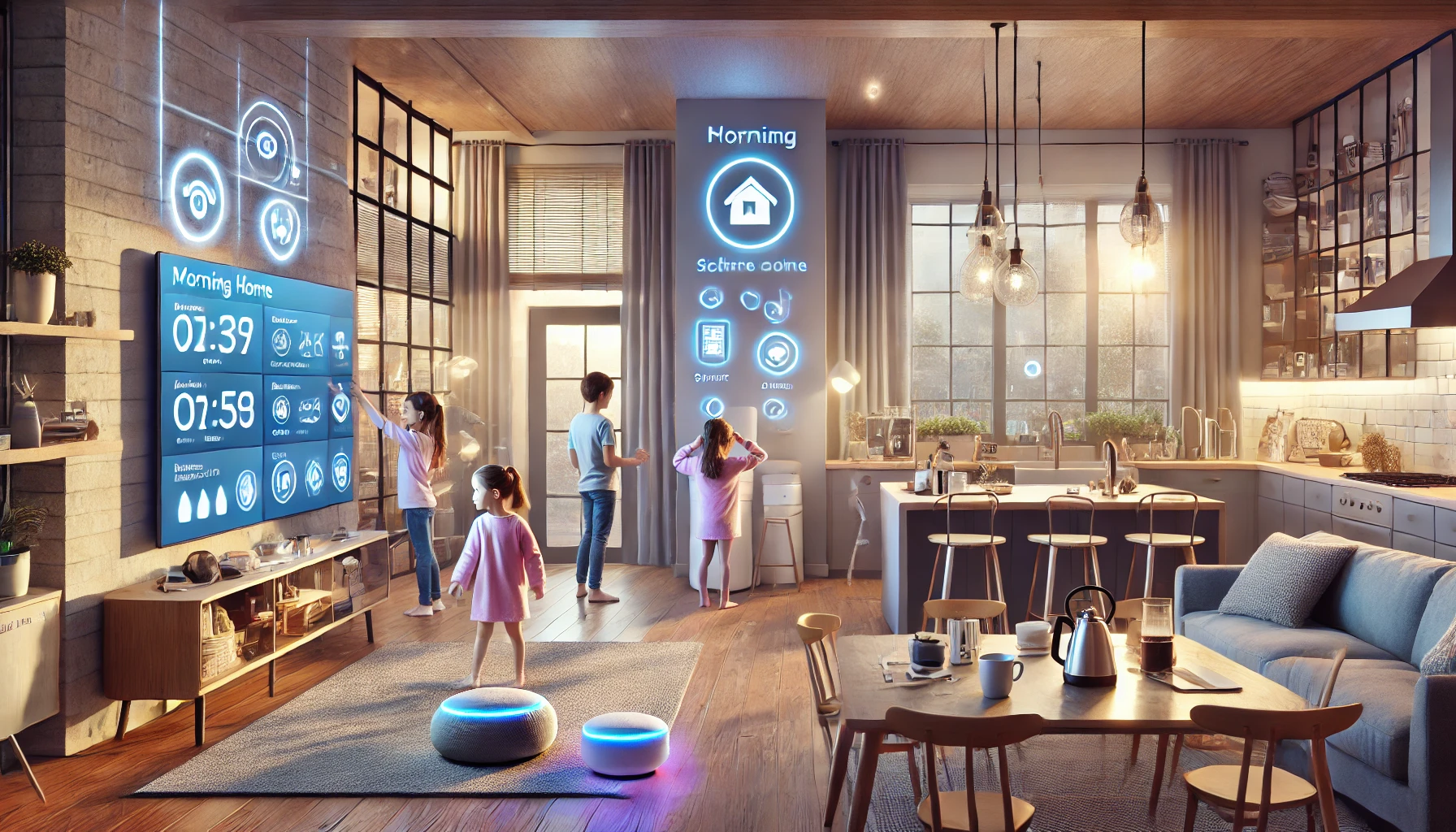
Step 3: Create Morning Routines That Work for Everyone
Mornings can be chaotic. Smart routines help everyone stay on track — even when you’re multitasking or running late.
Example: “School Morning” Routine
- 6:30 AM – Lights gradually turn on in kids’ rooms
- 6:35 AM – Smart speaker reads weather and school schedule
- 6:40 AM – Smart plug turns on bathroom heater
- 6:50 AM – Music playlist or alarm plays to get kids moving
- 7:15 AM – Kitchen lights and coffee maker activate
- 7:30 AM – Smart display shows a checklist (brush teeth, backpack, snack)
Devices to use:
- Smart lights (Philips Hue, LIFX, Wyze)
- Smart speakers/displays (Echo Show, Nest Hub)
- Smart plugs for heaters or coffee makers
- Smart calendars or family organizer apps (linked to display)
Pro tip: Use fun wake-up music or light strips to motivate kids.
Step 4: Automate Mealtime and Chore Routines
Smart home tech can encourage responsibility and make family routines more efficient.
For meals:
- Smart speaker announces “Dinner time!”
- Smart lights dim to create a relaxed environment
- TV turns off via smart plug
- Kitchen fan or smart oven turns on in advance
For chores:
- Set recurring voice reminders (e.g., “Alexa, remind Mia to feed the dog at 5 PM”)
- Use smart displays to show weekly chore charts
- Play music while cleaning (automatically triggered at chore time)
Bonus: Use automation to reward completed tasks — like turning on a video game console only after chores are marked done.
Step 5: Create Family-Friendly Evening and Bedtime Routines
Evening routines are critical for winding down — especially for younger kids. Smart home routines can make transitions smoother and reduce bedtime resistance.
Example: “Wind Down” Routine
- 7:30 PM – Lights dim to 40%, warm tone
- 7:35 PM – Smart speaker plays bedtime playlist or story
- 7:45 PM – Thermostat lowers for sleep
- 8:00 PM – Smart plug turns off electronics in kids’ rooms
- 8:15 PM – Sleep sounds or white noise starts
Tools to help:
- Smart lighting (with scenes like “Evening Calm”)
- Sleep-friendly audio via smart speaker
- Smart thermostats (Nest, Ecobee)
- Bedtime story skills (Alexa has many)
- Motion sensors to trigger bathroom night lights
Pro tip: Use visual cues for kids — like a light changing color when it’s time for bed.
Step 6: Use Shared Calendars and Reminders
Keep everyone on the same page with shared smart calendars and voice reminders.
What to sync:
- School drop-off and pick-up
- Sports practice or tutoring
- Family events or birthdays
- Medication reminders
Smart displays in common areas (like the kitchen or hallway) are great for showing what’s coming up.
Suggested apps/devices:
- Google Calendar + Nest Hub
- Amazon Family Calendar + Echo Show
- Apple Calendar + iPad in kitchen
Bonus: Set up voice-controlled reminders for each person — “Remind Dad to take out the trash at 8 PM.”
Step 7: Use Smart Security to Keep Your Family Safe
Security routines can help ensure peace of mind — especially in busy households.
Ideas:
- Auto-lock doors at bedtime
- Arm cameras or alarms when the house is empty
- Motion lights in yard and driveway
- Notifications if kids open the front door unexpectedly
- Doorbell camera shows who’s at the door
Devices to consider:
- Smart locks (August, Yale, Schlage)
- Smart cameras (Blink, Ring, Arlo)
- Door/window sensors (Aqara, Ring)
- Video doorbells (Nest, Ring)
Family-friendly features: Get alerts when kids get home from school or deliveries arrive.
Step 8: Add Fun and Creativity
Smart homes aren’t just about structure — they can bring fun and bonding too.
Try routines like:
- “Dance Party!” – Lights flash colors, music starts
- “Movie Night” – Lights dim, popcorn machine turns on via plug
- “Game Time” – Devices go on DND mode, lights shift to cool white
- “Story Time” – Smart speaker plays an audiobook, lights shift to warm tones
Encourage kids to help set up or name routines — it builds a sense of ownership and excitement.
Step 9: Set Parental Controls and Limits
Smart homes should be safe for kids. Most ecosystems offer parental controls to block inappropriate content or manage device access.
What you can manage:
- Music filtering
- Shopping restrictions
- Device usage limits
- Screen time monitoring
- Explicit content blocks
Set up routines that limit screen time, shut off devices at night, or enforce homework hours.
Step 10: Review and Adjust as Your Family Grows
Families are dynamic — so review your routines every few months.
Ask:
- Are these routines still working for us?
- Can older kids take on more responsibility?
- Is there new tech we could add or streamline?
- Are routines helping reduce stress — or adding to it?
Smart home automation should evolve with your needs, not stay stuck in last season’s habits.
Final Thoughts: A Smarter Home for a Happier Family
Smart home routines can be the invisible helping hand every busy family needs. With the right setup, mornings run smoother, evenings are calmer, and everyone knows what to expect — all with fewer reminders and less friction.
From gentle wake-ups to chore time and cozy wind-downs, smart home automation supports your family’s rhythm, helping you spend less time managing and more time connecting.
Because the smartest homes aren’t just connected — they’re in sync with the people who live there.