
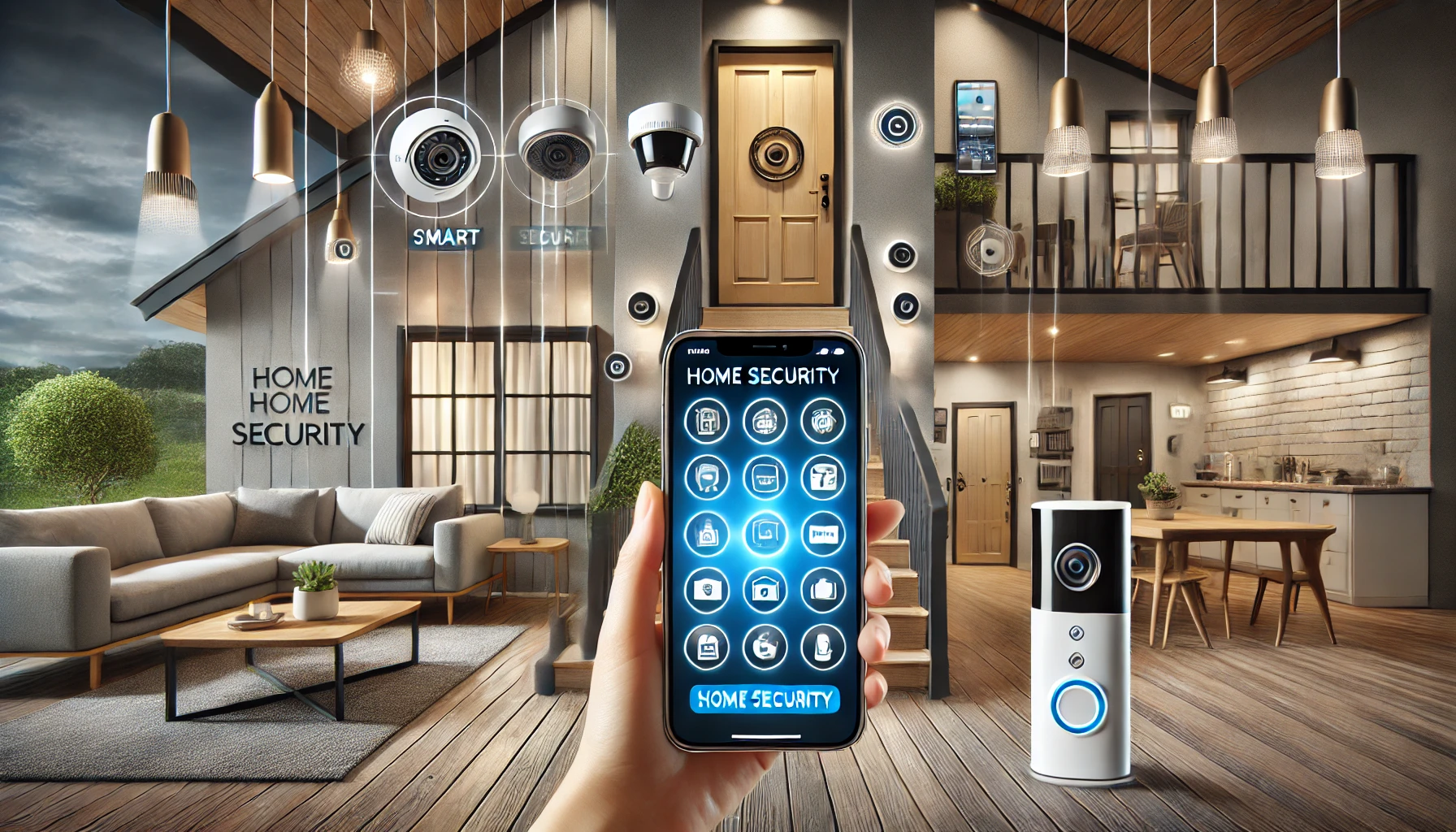
Home is where you should feel safest. But with rising concerns about break-ins, package theft, and property damage, traditional locks and alarms no longer offer the peace of mind they once did. That’s why more and more homeowners are turning to smart security gadgets — devices that offer real-time monitoring, automation, and remote control.
Whether you live in a small apartment or a large house, building a smart security setup is easier and more affordable than ever. In this guide, you’ll learn how to improve your home security using smart gadgets — from doorbells to sensors — and how to create a system that protects your home and your loved ones 24/7.
Why Smart Security Is Better Than Traditional Systems
Traditional home security relied heavily on wired systems, basic alarms, and local-only alerts. Smart security, on the other hand, offers:
- Remote access and real-time alerts via smartphone
- Live video monitoring
- AI-based motion detection and recognition
- Integration with other smart home devices
- Easy DIY installation and customization
- Cloud or local storage for video footage
- Automation routines that simulate presence when you’re away
With smart security, you’re not just alerted to danger — you can see it, respond to it, and prevent it, often without leaving your couch.
Essential Smart Security Devices for Your Home
Let’s look at the core components of a solid smart home security system and how they work together.
1. Smart Doorbells
A smart doorbell is your first line of defense. It alerts you when someone approaches your door — not just when they ring it — and lets you see, hear, and speak to visitors from anywhere.
Features to look for:
- 1080p or higher resolution
- Motion detection zones
- Two-way audio
- Night vision
- Cloud or local video storage
Top models:
- Ring Video Doorbell
- Google Nest Doorbell
- Eufy Video Doorbell (no subscription required)
Why it matters: You’ll never miss a delivery, and you can deter intruders just by speaking through the device.
2. Smart Security Cameras
Indoor and outdoor cameras let you monitor every corner of your home. Advanced models offer AI detection that can tell the difference between a person, pet, or vehicle.
Key features:
- Motion and sound alerts
- Two-way audio
- Infrared night vision
- Local or cloud storage
- Live viewing from your phone
- Integration with smart displays or TVs
Popular brands:
- Arlo Pro 5
- Blink Outdoor 4
- Wyze Cam v3
- Nest Cam (indoor/outdoor)
Why it matters: Real-time visibility into your home is priceless during vacations or work hours.
3. Smart Locks
Smart locks replace or retrofit your existing locks, allowing you to lock/unlock your door via app or voice command. You can also grant access to guests or service workers without needing a physical key.
Must-have features:
- App control with remote access
- Auto-lock and auto-unlock
- Temporary access codes
- Door status alerts
- Voice assistant integration
Best options:
- August Wi-Fi Smart Lock
- Schlage Encode
- Yale Assure Lock 2
Why it matters: Better control over who enters your home — and when.
4. Contact Sensors for Doors and Windows
These sensors alert you when doors or windows open unexpectedly. Many also integrate with smart lighting and alarms for instant deterrents.
Ideal uses:
- Front/back doors
- Ground-floor windows
- Garages
- Kids’ rooms
Great brands:
- Aqara Door/Window Sensor
- Ring Contact Sensor
- Samsung SmartThings Sensor
Why it matters: Get notified immediately if someone tries to enter while you’re away or asleep.
5. Motion Detectors
Smart motion sensors detect movement in specific zones and can trigger lights, cameras, or alarms.
How to use:
- Monitor hallways and entry points
- Pair with cameras for automatic recording
- Automate lights to deter intruders
Recommended models:
- Philips Hue Motion Sensor
- Eve Motion (for Apple HomeKit)
- Wyze Motion Sensor v2
Why it matters: Catch activity before someone even reaches your door.
6. Smart Alarms and Sirens
A loud alarm is still a great deterrent. Smart versions can be triggered manually or automatically based on motion or sensor events.
Features to consider:
- Adjustable volume
- App-controlled triggers
- Integration with sensors and routines
- Battery backup for power outages
Popular options:
- Ring Alarm Siren
- Aeotec Siren 6
- Ecolink Zwave Siren
Why it matters: Scares off intruders and notifies you immediately.
7. Smart Lighting for Security
Outdoor and indoor smart lighting adds an extra layer of protection. Set them to turn on when motion is detected, or automate lighting to simulate presence when you’re away.
Top uses:
- Front porch and garage lights
- Entryway lighting
- Living room lamps set on timers
Great brands:
- Philips Hue Outdoor
- LIFX Outdoor Bulbs
- Ring Smart Lighting
Why it matters: A well-lit property is less likely to be targeted.
8. Smart Security Systems and Kits
If you prefer a bundled approach, consider an all-in-one smart security system. These typically include sensors, cameras, and a hub with optional monitoring.
Best systems:
- SimpliSafe (easy DIY + optional monitoring)
- Ring Alarm System
- Abode Iota (HomeKit compatible)
Why it matters: You get full coverage without having to buy and pair everything separately.
Building a Complete Smart Security Routine
Once you’ve chosen your devices, tie everything together with automation and routines. Here are some ideas to get started:
“Leaving Home” routine:
- Lock all smart locks
- Turn off interior lights
- Arm motion sensors
- Turn on security cameras
- Send alert if door or window opens
“Nighttime” routine:
- Lock doors automatically
- Arm sensors
- Turn on porch lights
- Dim bedroom lights
- Mute notifications until morning (except security alerts)
“Away for vacation” setup:
- Use smart plugs to turn lights on/off randomly
- Send alerts for any activity
- Set cameras to continuous recording
- Disable guest access codes
Tip: Most of these routines can be configured in your smart home app (Alexa, Google Home, Apple Home, SmartThings).
Keeping Your Smart Security Setup Safe
Ironically, smart security devices can introduce risks if not properly secured. Follow these best practices:
- Use strong, unique passwords for each device
- Enable two-factor authentication
- Keep firmware and apps updated
- Use a secure Wi-Fi network with a strong password
- Disable unused features (like remote sharing or voice access to locks) if not needed
Many privacy breaches happen not due to flaws in the device, but from weak user-side security habits.
Budget Tips: Securing Your Home Without Overspending
You don’t need to install every gadget at once. Start with the essentials and build over time.
Basic starter setup under $300:
- 1 Smart Doorbell
- 1 Smart Lock
- 2 Contact Sensors
- 1 Motion Sensor
- 1 Outdoor Camera
This provides strong front-door security and awareness of your most vulnerable access points.
Add lights, sirens, and full systems as your budget allows.
Final Thoughts: Take Control of Your Safety
Smart home security isn’t just about technology — it’s about peace of mind. Whether you’re at home, at work, or traveling abroad, smart gadgets give you eyes, ears, and control over what’s happening in and around your home.
With the right setup, you can deter threats, respond quickly to alerts, and feel confident that your home is protected — all from your phone or even your voice.
You don’t need to be an expert or spend a fortune. Just start small, build smart, and protect what matters most.
Your home deserves more than just locks — it deserves intelligence.