
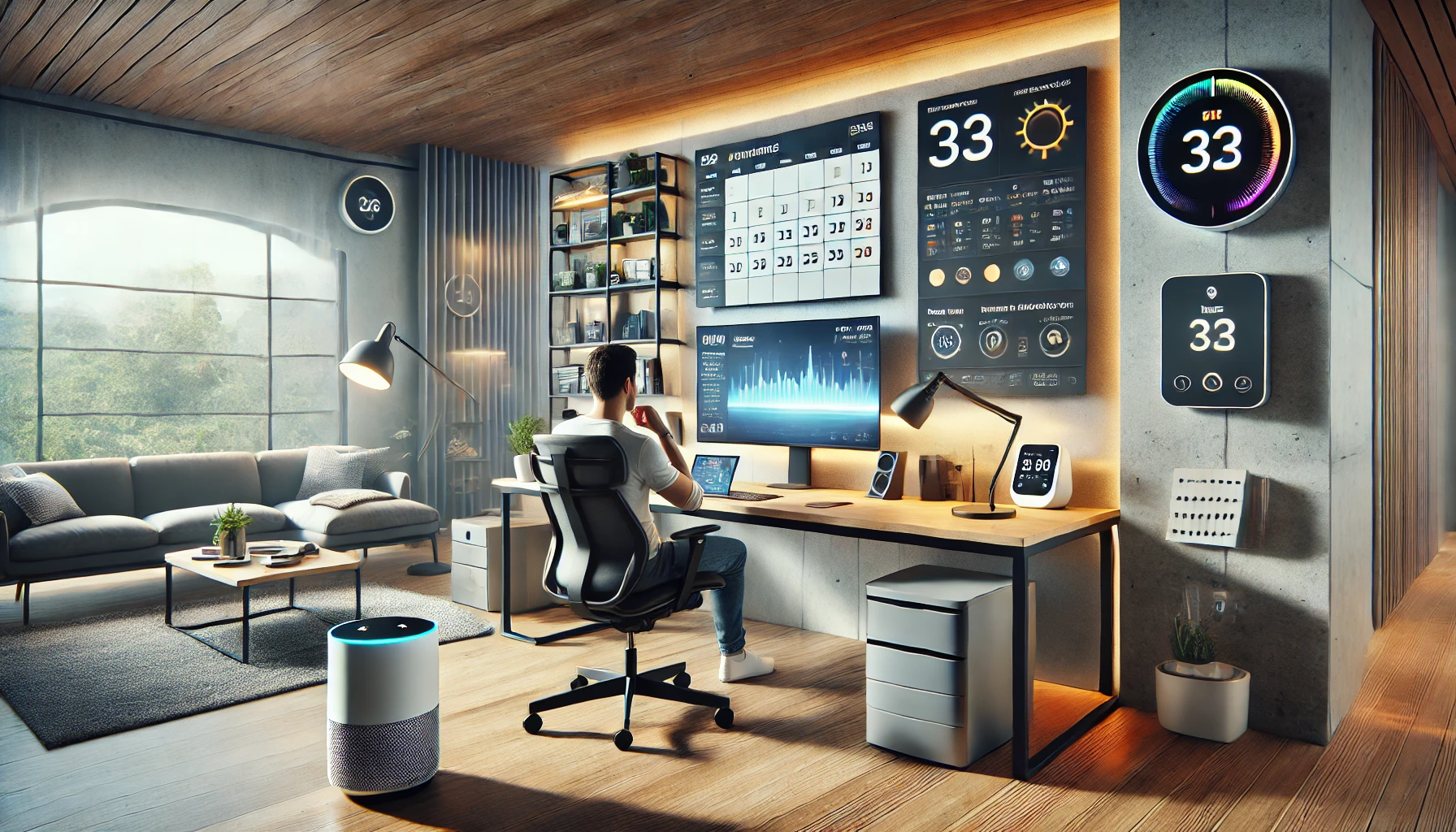
Working from home has become more common than ever — and with it, the need for a productive, comfortable, and connected home office space has grown. While a desk and computer are the basics, incorporating smart home technology can take your workspace to the next level.
By integrating smart lighting, voice control, automation, and energy-efficient devices, you can create a home office that helps you focus, stay organized, and feel good throughout your workday.
In this article, you’ll learn how to create the perfect smart home office setup, including which devices to consider, how to organize your space, and how to use automation to boost productivity.
Why a Smart Office Matters
Your work environment directly impacts your productivity, mood, and physical well-being. A smart office setup helps you:
- Automate repetitive tasks
- Optimize lighting and temperature
- Reduce distractions
- Manage time more effectively
- Improve comfort and posture
- Lower energy consumption
Whether you’re a freelancer, remote employee, or business owner, investing in your workspace is investing in your performance.
Step 1: Start With Smart Lighting
Lighting is one of the most underrated elements of productivity. Poor lighting causes eye strain and fatigue, while good lighting helps you stay alert and focused.
What smart lighting can do:
- Adjust brightness throughout the day
- Mimic natural sunlight
- Change tones for different tasks (cool for work, warm for breaks)
- Turn on/off automatically based on schedule or motion
- Sync with your calendar or voice assistant
Best smart lights for home offices:
- Philips Hue White and Color Ambiance Bulbs
- LIFX Smart Bulbs
- Nanoleaf Lines or Panels (for ambient lighting)
- Govee Desk Lamp with Smart Control
Pro tip: Set a routine where lights brighten gradually in the morning and dim as you approach the end of your workday.
Step 2: Control It All With a Smart Speaker or Display
A smart speaker or display serves as your central hub — allowing you to control other devices, set timers, manage your calendar, and even take quick calls hands-free.
What it can do for your office:
- Voice control lights, plugs, music, or fan
- Set reminders and daily schedules
- Check calendar events or meetings
- Play focus music or ambient sounds
- Control the thermostat or blinds
Best options:
- Google Nest Hub (2nd Gen)
- Amazon Echo Show 8 or Echo Dot (5th Gen)
- Apple HomePod Mini (for Apple users)
Choose one that aligns with your ecosystem (Google, Amazon, or Apple).
Step 3: Manage Your Desk With Smart Plugs and Power Strips
Smart plugs are a low-cost way to turn everyday devices into smart ones.
What you can control:
- Desk lamp
- Monitor or docking station
- Coffee warmer
- Air purifier or diffuser
- Printer
Benefits:
- Turn off devices when not in use (energy-saving)
- Automate start-up and shut-down routines
- Manage power remotely if you forget
Recommended smart plugs:
- TP-Link Kasa Smart Plug
- Wemo Mini
- Meross Smart Plug with energy monitoring
Automation idea: Turn off everything at 6 PM or when you say “end of workday.”
Step 4: Add Smart Climate Control
A comfortable temperature is essential for focus. Smart thermostats and fans help maintain ideal working conditions without constant adjustment.
Key devices:
- Ecobee SmartThermostat (with room sensor for office)
- Nest Learning Thermostat
- Smart ceiling fan or desk fan with Alexa/Google integration
- Smart humidifier for dry climates
Why it helps: Keep your space at a consistent, comfortable temperature while managing energy efficiently.
Step 5: Integrate Smart Blinds or Curtains
Natural light is great — until it causes glare on your screen or overheating in the afternoon. Smart blinds or shades give you better control.
What they can do:
- Open in the morning to wake up naturally
- Close during peak sun hours
- Sync with your voice assistant or app
- Adjust automatically based on time or temperature
Best budget-friendly options:
- SwitchBot Curtain (motorizes existing curtains)
- IKEA FYRTUR Smart Blinds
- Zemismart Roller Shades with app control
Why it helps: Maintain visual comfort and reduce cooling costs.
Step 6: Create a Smart Sound Environment
Noise is one of the biggest productivity killers — especially in shared living spaces. Use smart audio tools to stay focused.
Use:
- White noise or ambient nature sounds
- Productivity playlists
- Noise masking for concentration
- Smart volume control based on time of day
Good devices:
- Echo Studio or Nest Audio for quality sound
- Sound machines with app control
- Smart headphones with noise cancellation (Bose, Sony, etc.)
Tip: Use routines to start focus music automatically at the beginning of each work session.
Step 7: Improve Focus With Automation Routines
Once your devices are in place, create automation routines that guide your workday without constant effort.
Sample “Workday Start” routine:
- 8:00 AM: Lights turn on to cool white
- Smart speaker reads your schedule
- Thermostat adjusts temperature
- Fan and desk lamp turn on
- Calendar reminder or motivational quote plays
Sample “End of Day” routine:
- 6:00 PM: Devices shut off
- Lights dim to warm tone
- “Relax” playlist starts
- Reminder to stretch or walk
Use your smart home app (Google Home, Alexa, or Apple Home) to set these up based on time, voice, or motion.
Step 8: Use Smart Displays or Tablets as Productivity Hubs
Place a smart display or tablet on your desk to act as a dashboard.
What you can do:
- View your calendar
- Join video calls
- Set Pomodoro timers
- Display inspirational quotes or task lists
- Control other smart devices from a central screen
Devices to consider:
- Google Nest Hub Max
- Echo Show 10
- iPad or Android tablet with productivity apps
Pro tip: Use widgets or home dashboards to keep important info visible throughout the day.
Step 9: Enhance Ergonomics and Well-Being
A truly smart office isn’t just about gadgets — it’s about how those gadgets help you feel better.
Consider adding:
- Smart standing desk with memory presets
- Smart posture sensors (like Upright Go)
- Smart lighting strips behind your monitor to reduce eye strain
- Water reminder apps or smart bottles (e.g., HidrateSpark)
- Stretching or movement reminders via smart speaker
Why it matters: The best productivity comes from feeling your best physically and mentally.
Step 10: Maintain a Clean and Safe Workspace
Keep your office organized and safe with smart tools:
- Smart vacuums to clean the space automatically (Roborock, Eufy, Roomba)
- Smart air purifiers to improve air quality (especially in smaller rooms)
- Smart surge protectors to protect electronics and monitor usage
Set routines so these devices run outside work hours and don’t interrupt your flow.
Final Thoughts: Build Your Ideal Workspace One Device at a Time
You don’t need to spend thousands of dollars or install a full-blown automation system to create a productive smart home office. With a few thoughtfully chosen devices and some simple routines, you can transform how you work every day.
Start with the basics: smart lighting, voice control, and temperature. Then grow your setup with tools that genuinely support your workflow and well-being.
Because a smarter office isn’t about more tech — it’s about making the right tech work for you.