
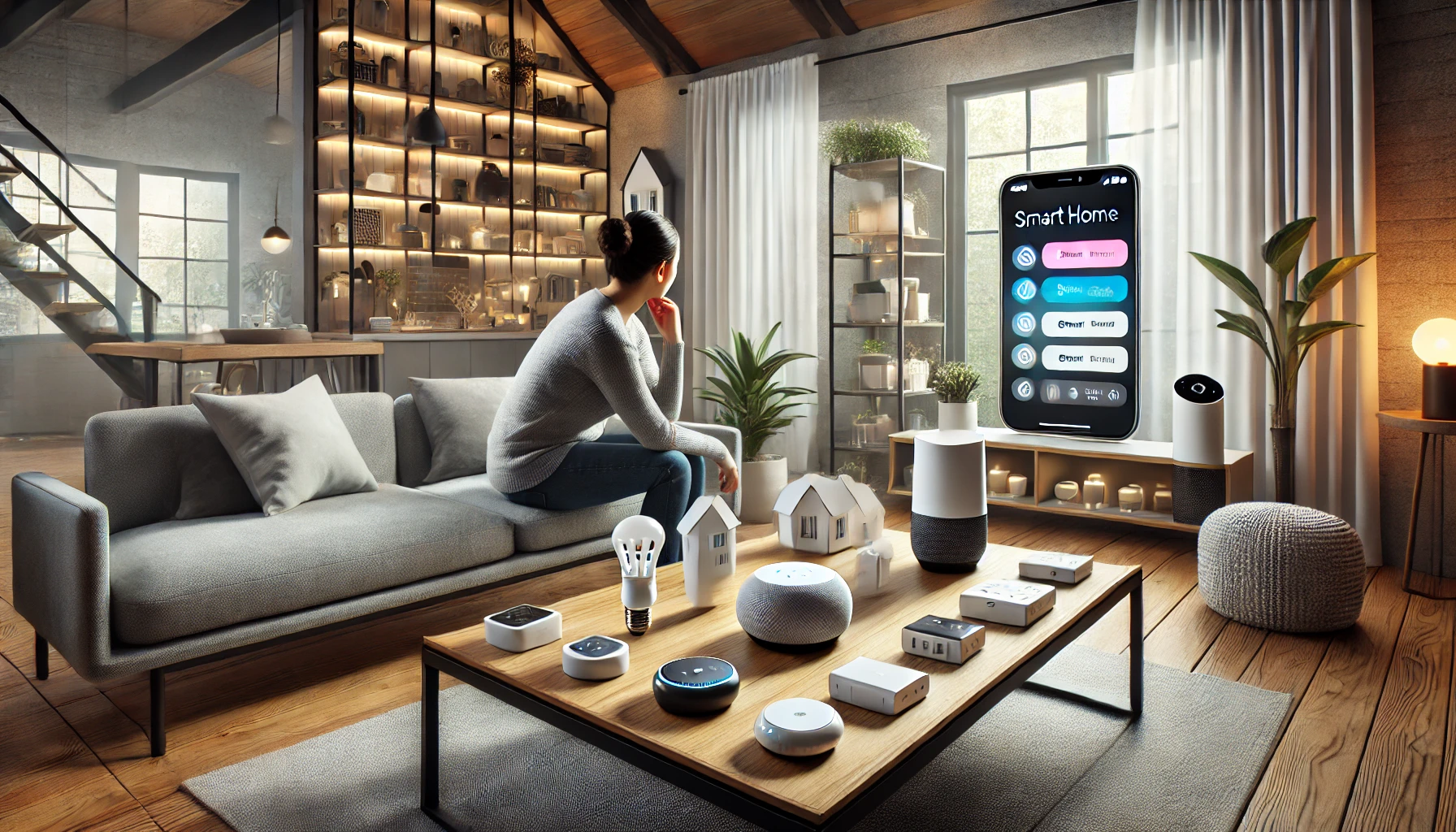
With so many smart home products on the market, it’s easy to feel overwhelmed. Lights, thermostats, cameras, locks, plugs, displays, sensors — each promising to make your life easier, safer, or more efficient. But here’s the truth: not every device is right for every home or every person.
Whether you’re just starting your smart home journey or looking to expand your setup, knowing how to choose the right smart home devices for your specific needs is essential. Instead of buying what’s popular, it’s smarter (and more budget-friendly) to buy what’s actually useful to you.
In this guide, we’ll walk you through a step-by-step approach to selecting the best smart home devices — based on your lifestyle, goals, space, and habits.
Step 1: Define Your Smart Home Goals
Before browsing for gadgets, ask yourself: What problems am I trying to solve?
Here are some common smart home goals:
🔐 Security and Peace of Mind
- Monitor who’s at the door
- Get alerts for suspicious activity
- Keep an eye on pets or packages
💡 Comfort and Convenience
- Control lighting with your voice or app
- Automate routines (like “good morning” or “movie night”)
- Adjust temperature without leaving the couch
💸 Energy Efficiency
- Save on electric and heating bills
- Automate usage based on presence or schedules
🧠 Accessibility and Ease
- Help elderly family members or those with mobility limitations
- Control everything hands-free
Write down your top 2 or 3 priorities. This list will help filter out unnecessary devices and focus your investments on what really matters.
Step 2: Choose Your Smart Home Ecosystem
Your ecosystem is the central platform that connects and controls your devices. Choosing it early makes everything else smoother.
The main options:
- Amazon Alexa – Most popular, widest compatibility, budget-friendly
- Google Assistant – Seamless with Android, voice search, and Google services
- Apple HomeKit (Siri) – Great for privacy, Apple users, and smooth integration
Pro tip: Stick with one ecosystem. It keeps things simple and avoids app clutter or compatibility issues.
Choose based on:
- What phone you use (iPhone vs Android)
- Whether you already have a smart speaker or display
- What services or apps you use most (Google Calendar, Apple Reminders, etc.)
Step 3: Assess Your Home Layout and Daily Habits
Take a walkthrough of your home — think about where you spend time and where automation could help.
Start by answering:
- Which rooms need smarter lighting?
- Do you need a voice assistant in every room or just the main area?
- Are there any dark hallways or outdoor areas that would benefit from motion lighting?
- Do you often forget to turn off devices before leaving?
Example: If you always fall asleep with the TV on, a smart plug and routine could solve that immediately.
Tailor your smart home plan to how you actually live, not how other people do.
Step 4: Choose Devices Based on Functionality — Not Hype
Here’s a breakdown of the most common types of smart home devices, when they’re worth it, and what kind of user benefits from each one.
1. Smart Speakers or Displays
Best for: Everyone — they’re the foundation of most smart homes.
Use it for: Voice commands, controlling other devices, playing music, getting information hands-free.
Popular models:
- Echo Dot / Echo Show
- Google Nest Mini / Nest Hub
- Apple HomePod Mini
Why it matters: Without a voice assistant or hub, controlling your smart home becomes less fluid.
2. Smart Lights and Bulbs
Best for: People who want convenience, mood lighting, or better energy control.
Use it for: Scheduling, dimming, changing colors, turning off lights remotely or by voice.
Get if you: Forget lights on frequently, like to set scenes, or want to automate rooms by time or presence.
3. Smart Plugs
Best for: Budget-conscious users or those wanting to make old devices “smart.”
Use it for: Turning lamps, fans, coffee makers, or even routers on/off automatically.
Get if you: Want control over appliances without replacing them.
4. Smart Thermostats
Best for: Homeowners or renters with long stays and energy-saving goals.
Use it for: Controlling heating/cooling from your phone, setting schedules, saving on energy bills.
Avoid if: Your HVAC system isn’t compatible, or your landlord doesn’t allow changes.
5. Smart Cameras and Doorbells
Best for: Security-focused users, delivery-heavy homes, or those with pets.
Use it for: Monitoring front door activity, keeping track of deliveries, checking in while away.
Get if you: Want real-time alerts and visibility into who’s outside.
6. Smart Locks
Best for: Families, Airbnb hosts, or people who lose keys often.
Use it for: Keyless entry, remote unlocking, assigning codes to guests.
Avoid if: You don’t want to change your current deadbolt or have limited Wi-Fi at your door.
7. Smart Sensors (Motion, Door, Temperature)
Best for: Automation lovers, energy-conscious users, and DIYers.
Use it for: Triggering lights, HVAC, or alarms when someone enters a room or opens a door.
Get if you: Want lights to turn on automatically when someone walks in or detect activity while away.
8. Smart Appliances
Best for: Busy households or kitchen-focused users.
Use it for: Preheating the oven remotely, tracking groceries, scheduling laundry.
Avoid if: You’re on a tight budget — only invest in smart appliances if the extra features will actually help.
Step 5: Think Long-Term and Future-Proof
Smart home tech evolves quickly. To avoid frustration or wasted money, choose devices that:
- Work with the Matter protocol (new universal standard)
- Support voice control and app updates
- Allow local control (for functionality even without internet)
- Come from reputable brands with solid support
Tip: Prioritize function over flash. A reliable smart plug is better than a “smart” fridge you barely use.
Step 6: Balance Budget vs Value
Not all smart gadgets are expensive — and not all expensive gadgets are worth it.
Focus on:
- Devices you’ll use daily
- Automation that solves real problems
- Easy-to-install, scalable solutions
- Sales and bundles to save money
Avoid:
- Novelty gadgets with limited use
- Over-automating — it becomes more annoying than helpful
- Buying all at once — start with 1–2 devices and grow gradually
Smart tip: Some energy-saving devices like thermostats and energy monitors qualify for local rebates or discounts.
Step 7: Set It Up for Success
Once you’ve picked your devices, take the time to:
- Label devices clearly in your app
- Group by room or function
- Create basic routines (like “good night” or “leaving home”)
- Explore voice commands gradually
- Keep your apps and firmware up to date
And don’t forget to test your setup to make sure devices work as expected — especially if you plan to use automation regularly.
Final Thoughts: Choose Smartly, Live Better
You don’t need a house full of gadgets to build an intelligent home. You just need to choose the right smart devices for your life — ones that save you time, solve a real problem, or make your day smoother.
Start with your goals, stick to one ecosystem, and grow your setup thoughtfully. Whether it’s peace of mind at the door, a cozier bedtime routine, or lower energy bills, your smart home should work for you — not the other way around.
Being smart isn’t about having everything — it’s about having what matters.