
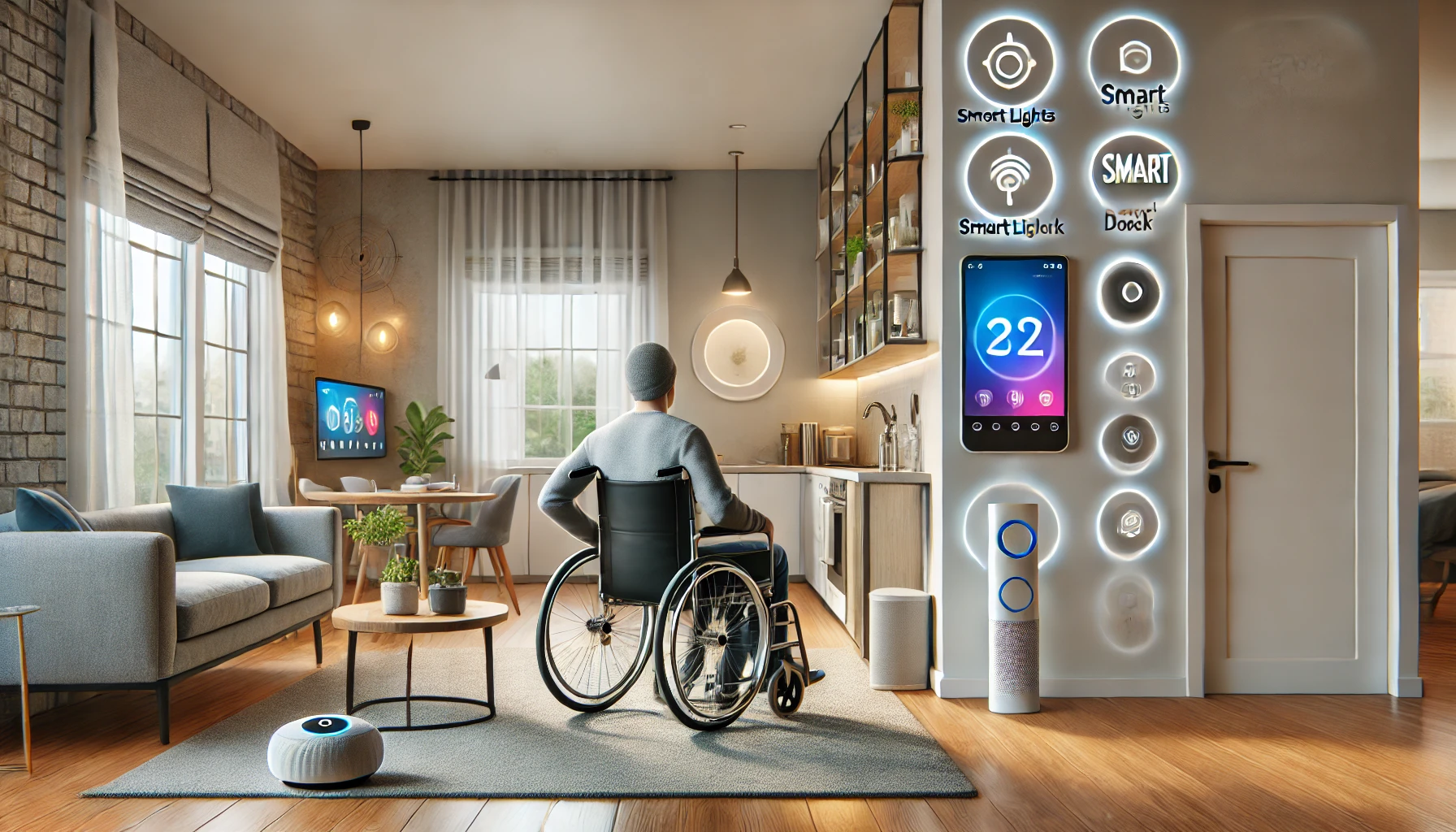
Smart home technology isn’t just a luxury — for many people with disabilities, it’s a game-changing source of independence, accessibility, and safety. Through voice control, automation, and remote access, smart devices empower users to interact with their environment in ways that were once difficult or impossible.
In this article, we’ll explore how smart home devices help people with disabilities, including real-life applications, recommended setups, and how this technology can enhance quality of life at home.
Why Accessibility and Technology Go Hand in Hand
For individuals with mobility, vision, hearing, or cognitive impairments, navigating a traditional home can involve daily obstacles. Tasks like turning on lights, adjusting temperature, answering the door, or reaching switches can be inconvenient or unsafe.
Smart home technology bridges these gaps by offering:
- Hands-free control
- Voice-based interfaces
- Remote monitoring and automation
- Integration with assistive tools
- Real-time alerts and safety enhancements
It transforms a passive space into an interactive, supportive environment.
1. Voice Control: Empowering Independence
One of the most powerful features of a smart home is voice control. Through devices like Amazon Alexa, Google Assistant, and Siri, users can interact with their homes using simple verbal commands.
Use cases:
- Turn on/off lights without reaching switches
- Adjust thermostat settings from bed or wheelchair
- Control blinds or curtains
- Lock or unlock doors
- Ask for help or send alerts
- Start video calls or messages
Devices to start with:
- Amazon Echo or Echo Show
- Google Nest Hub
- Apple HomePod Mini
Bonus: Voice profiles can recognize individual users and respond with personalized information.
2. Smart Lighting for Safety and Ease
Lighting is crucial for navigation and safety — especially for individuals with low vision or mobility challenges.
Smart lighting benefits:
- Voice-activated or app-controlled switching
- Motion-sensing lights in hallways or bathrooms
- Color-changing options to reduce glare or eye strain
- Scheduled lighting routines for daily consistency
Recommended products:
- Philips Hue or Wyze Smart Bulbs
- Lutron Caséta dimmers (with remote or app control)
- TP-Link Kasa smart switches
Practical routine: Lights gradually brighten in the morning and dim at night to support visual comfort and sleep.
3. Smart Thermostats for Comfort Without Physical Effort
Traditional thermostats can be difficult to reach or adjust manually. Smart thermostats allow remote or automated climate control, which is especially valuable for individuals with limited mobility or temperature sensitivity.
Features:
- Set and control temperatures via smartphone or voice
- Automate heating/cooling based on time or activity
- Use room sensors to prioritize areas in use
- Monitor usage and optimize energy efficiency
Best models for accessibility:
- Ecobee SmartThermostat with room sensors
- Google Nest Thermostat
- Honeywell T9 Smart Thermostat
Example: A user in a wheelchair can use voice commands to raise the heat without needing to touch a wall-mounted device.
4. Smart Locks and Doorbells for Secure Access
Opening a front door can be a barrier for people with physical disabilities. Smart locks and video doorbells allow remote access and visual confirmation without the need to physically approach the entrance.
Smart lock benefits:
- Unlock doors via app or voice
- Create codes for caregivers or family
- Lock doors automatically at night
- Monitor activity history
Smart doorbells:
- Show live video feeds
- Allow two-way communication
- Send alerts when someone approaches
- Integrate with voice assistants or displays
Suggested products:
- August Smart Lock Pro
- Yale Assure Lock
- Ring Video Doorbell
- Google Nest Doorbell
Real-life impact: Users can see who’s at the door and unlock it without leaving their seat.
5. Smart Plugs and Outlets: Control Appliances From Anywhere
Smart plugs turn regular appliances into smart ones — perfect for devices that may be hard to reach or operate manually.
Features:
- Turn devices on/off via app or voice
- Automate usage (e.g., coffee maker, lamps)
- Monitor energy use
- Create safety timers for electronics
Top products:
- TP-Link Kasa Smart Plug
- Wemo Mini Smart Plug
- Amazon Smart Plug
Example use: A person with limited mobility can turn off a fan or heater from their bed using their phone or assistant.
6. Smart Displays: Visual and Voice-Driven Support
Smart displays combine visual and voice control — an ideal interface for users who benefit from tactile-free interaction but also want visual feedback.
Benefits:
- Show calendar reminders, medication times, or recipes
- Support video calling with caregivers or family
- Display news, weather, or entertainment
- Use as visual timers or alarms
Top options:
- Google Nest Hub
- Amazon Echo Show
- Lenovo Smart Display
Accessibility tip: Customize font size, contrast, and voice responses for cognitive or visual needs.
7. Fall Detection and Emergency Alerts
For individuals at risk of falls or medical emergencies, smart technology can offer peace of mind and faster response.
Safety tools:
- Smartwatches with fall detection (e.g., Apple Watch, Samsung Galaxy Watch)
- Voice assistants that call emergency contacts
- Motion sensors to detect lack of activity
- Bed sensors that track unusual sleep patterns
Automation idea: If no movement is detected in the home by a set time, the system alerts a caregiver or family member.
8. Routine Building for Cognitive Support
People with cognitive disabilities (e.g., dementia, ADHD, autism) benefit from consistent routines and gentle reminders.
Smart home supports:
- Daily visual routines on smart displays
- Voice prompts for tasks like brushing teeth, taking medicine, or eating
- Timed lighting changes to signal activity transitions
- Non-intrusive reminders via speakers or phones
Routine example: “Good morning” activates lights, reads the schedule, and announces breakfast time.
9. Environmental Monitoring for Sensitivity and Comfort
Some disabilities include sensory sensitivities or health conditions affected by temperature, noise, or air quality.
Smart environment tools:
- Air purifiers that respond to indoor air quality
- Noise sensors to alert caregivers of loud disturbances
- Thermostat adjustments based on real-time comfort feedback
- Sleep environment tracking for restful recovery
Devices to consider:
- Awair Element
- Eve Room
- SmartThings with multi-sensor devices
Health impact: A person with respiratory conditions benefits from automatic ventilation when pollutants rise.
10. Support for Caregivers and Family Members
Smart homes don’t just help people with disabilities — they also reduce the burden on caregivers by offering oversight, control, and flexibility.
Features for caregivers:
- Remote access to check on activity
- Camera feeds (with permission)
- Shared smart locks and schedules
- Emergency alerts and notifications
- Peace of mind when away from home
App tip: Use shared profiles in Alexa or Google Home to collaborate with caregivers securely.
Final Thoughts: Technology That Listens, Learns, and Supports
Smart home technology is not a one-size-fits-all solution — but when designed with accessibility in mind, it becomes a powerful ally for people with disabilities. It gives users control over their environment, increases safety, and restores independence that traditional homes often take away.
Whether it’s turning on the lights, answering the door, or simply feeling safe and seen — the smartest homes are those that include everyone.
Because technology should work for all — and with the right setup, it absolutely can.