
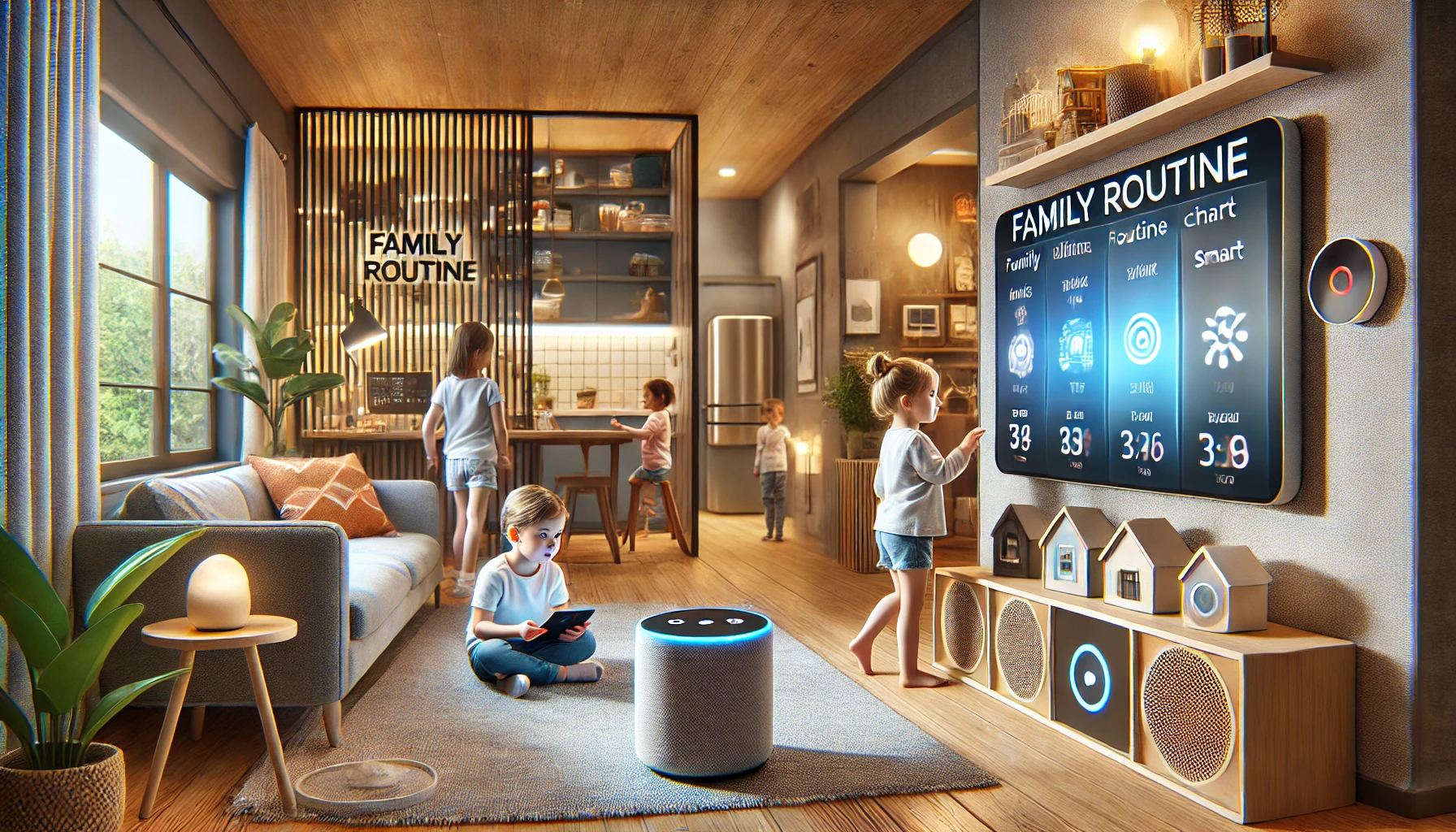
Smart home technology isn’t just for adults — it can be an incredible learning opportunity and daily support tool for kids as well. With the right approach, you can use smart devices to teach responsibility, introduce technology concepts, and even help your child feel safer and more independent at home.
But like all tech, smart home features should be introduced thoughtfully and age-appropriately.
In this article, we’ll walk through how to teach kids about smart home technology, including ideas for learning, safety, responsibility, and fun — all while keeping parental control front and center.
Why Include Kids in Smart Home Use?
Many families use voice assistants, smart lights, or connected TVs daily. For kids, these devices aren’t “high tech” — they’re part of the environment they’re growing up in.
Benefits of involving kids:
- Teaches digital literacy from an early age
- Builds confidence through responsibility (controlling routines, timers, lights)
- Encourages curiosity about how things work
- Supports learning through voice interactions or visual displays
- Promotes safety awareness (locking doors, emergency routines)
Rather than shielding them entirely, teaching kids to use smart tech wisely prepares them for the digital world.
Step 1: Start With Observation and Conversation
Begin by showing your child how you use smart home devices in everyday life.
Example:
- “Watch how I ask the speaker to turn off the lights.”
- “Let’s set a timer together for brushing teeth.”
- “Want to help turn on the bedtime routine?”
Then ask questions:
- “What do you think the speaker is doing?”
- “Why do we use this device?”
- “When do you think we should use it — or not?”
Goal: Establish that smart devices are tools — not toys.
Step 2: Introduce Safe and Simple Commands
For young children (ages 4–8), start with basic voice interactions that are useful and safe.
Voice commands to try:
- “What’s the weather today?”
- “Play animal sounds.”
- “Set a 10-minute timer.”
- “Tell me a bedtime story.”
- “How do you spell dinosaur?”
These help kids practice speaking clearly, listening for answers, and becoming comfortable with interacting through voice.
Tip: Enable child-friendly voice settings in your assistant’s app (e.g., Alexa Kids or Google Family Link).
Step 3: Create Kid-Specific Routines
Smart home routines can help kids stick to schedules, build habits, and reduce daily chaos.
Routine ideas:
- Morning routine: “Good morning” triggers lights on, weather update, breakfast reminder
- Homework time: Turns on desk lamp, turns off TV or music
- Bedtime routine: Lights dim, white noise starts, reminders to brush teeth
- Chore time: Friendly reminder via speaker and light notification
Let kids help name the routines and pick sounds or lights. This gives them ownership and builds positive habits.
Step 4: Involve Kids in Setup and Learning
For older kids (ages 9–12), go beyond using the tech — invite them to learn how it works.
Teach them:
- How to connect a smart plug
- What Wi-Fi and Bluetooth do
- How routines are programmed
- The difference between cloud and local devices
- How to troubleshoot when something doesn’t work
Use this as an introduction to STEM and problem-solving skills — it’s learning through real-world application.
Bonus project: Create a “kid command center” where they control their lights, music, or reminders.
Step 5: Encourage Responsibility Through Tech
Smart home tools can support kids in becoming more independent and responsible.
Examples:
- Use smart reminders for homework or feeding pets
- Chore checklist on a smart display
- Set alarms for “screen time over”
- Smart locks that notify when they get home from school
- Routine builder apps that they can help customize
Tip: Give praise when they use the tech correctly — make it part of their routine pride.
Step 6: Add Fun and Creativity
Kids love fun — and smart homes can be playful too.
Ideas:
- “Dance party” routine with flashing lights and favorite music
- “Story time” with a dimmed room and a voice-read audiobook
- Use smart displays to learn new words or watch DIY crafts
- Build a scavenger hunt with smart lights guiding them
- Try silly commands like “Tell me a joke” or “Make a fart noise” (yes, it’s a hit with kids)
Balance fun with boundaries — let them enjoy, but not get carried away.
Step 7: Set Boundaries and Use Parental Controls
While smart devices offer many benefits, it’s crucial to establish rules and restrictions early.
Key actions:
- Use child accounts or supervised profiles
- Restrict purchases by requiring voice PINs
- Set daily time limits for entertainment
- Disable features like calling or camera use, if not needed
- Review activity history regularly
Apps like Amazon Parent Dashboard or Google Family Link make this easy.
Rule example: “You can use the assistant for help with homework or fun — but not to turn on the TV without asking.”
Step 8: Discuss Privacy and Respect
As kids grow older, talk openly about privacy and ethical use of technology.
Topics to cover:
- “Why we don’t ask our speaker to listen to others.”
- “Why it’s not okay to spy on someone with the camera.”
- “How voice data can be stored — and how we manage it.”
- “When to ask permission before using shared devices.”
This helps children develop digital ethics and respect for shared spaces.
Step 9: Create a Shared Family Routine
Smart homes are most effective when the whole family is involved.
Shared routines examples:
- “Leaving home”: Lights off, doors locked, alert sent
- “Movie night”: Living room lights dim, TV turns on, snacks alert
- “Quiet time”: Devices go into Do Not Disturb
- “Cleaning time”: Music plays, lights flash in fun patterns
Make these routines visible on a smart display — and let each child “press the button” for their part.
Step 10: Stay Flexible and Revisit Often
As your children grow, so should their role in the smart home.
- Update routines based on school changes
- Let them re-name lights or devices
- Graduate them to more advanced tasks
- Ask for feedback: “What’s working? What’s annoying?”
Smart homes grow best when families grow with them.
Final Thoughts: Raising Kids in a Smart Home
Smart home technology offers more than automation — it’s a chance to teach, connect, and build responsibility in a digital world. By guiding your kids through safe, age-appropriate interaction, you help them become tech-savvy and thoughtful users of the tools around them.
With the right balance of fun, structure, and supervision, your smart home can become a learning lab and life assistant — for the whole family.
Because the smartest homes don’t just respond to commands — they help raise curious, capable humans.