
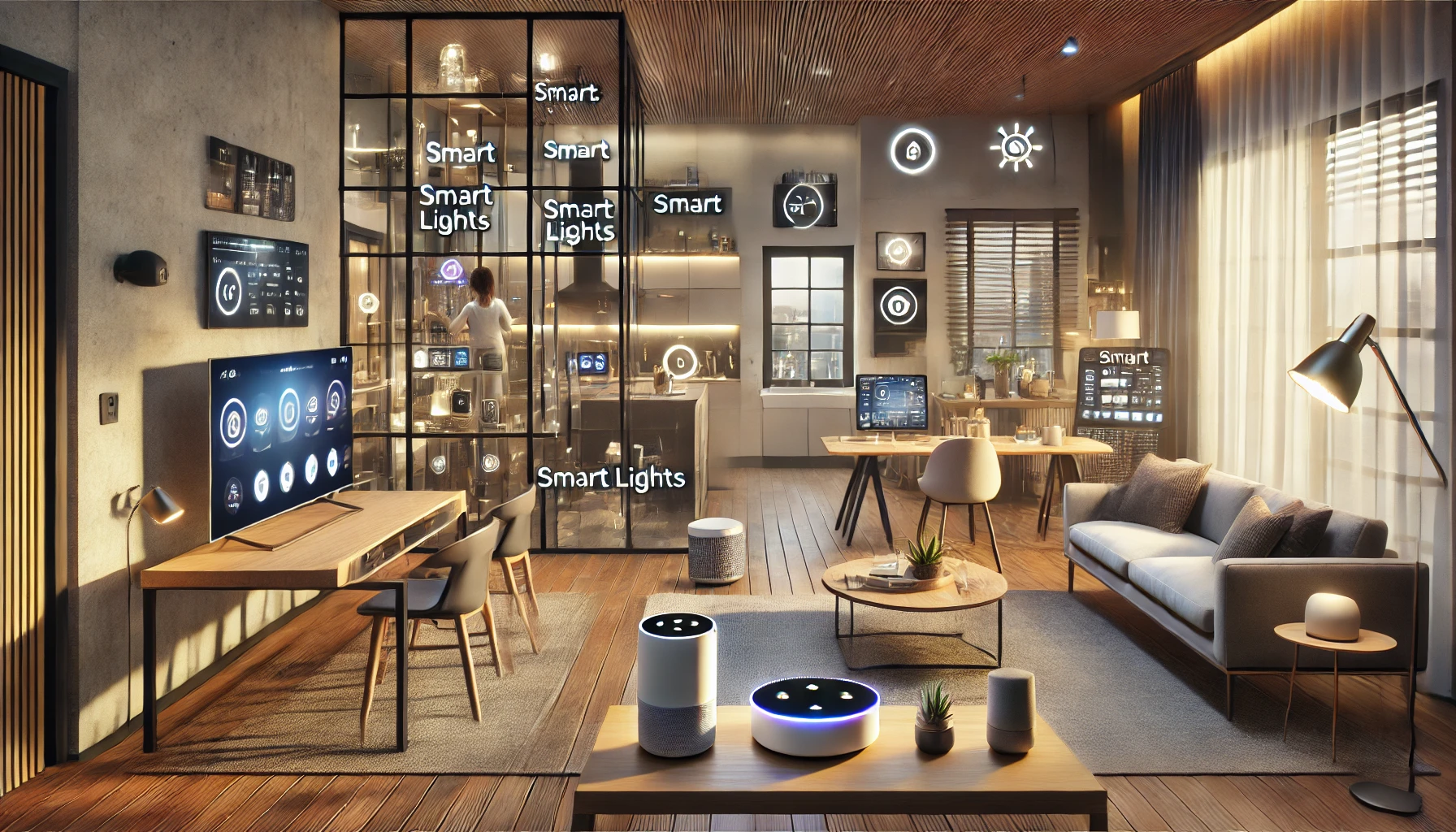
Every household is different — and that’s what makes smart home technology so exciting. Instead of a one-size-fits-all system, smart devices can be customized to match your daily habits, preferences, and routines. Whether you’re a night owl, a busy parent, a remote worker, or someone who simply values convenience, your smart home should adapt to you — not the other way around.
In this article, we’ll explore how to design and build a smart home that adapts to your lifestyle, from choosing the right devices to automating routines that feel personal and effortless.
Why Personalization Matters in a Smart Home
Many people buy smart devices thinking they’ll “figure it out later,” but without a clear vision, things quickly become disconnected or underutilized. A well-adapted smart home isn’t about having the most devices — it’s about making technology work in harmony with your life.
Benefits of lifestyle-driven smart home setups:
- Streamline repetitive tasks
- Boost productivity and comfort
- Enhance safety based on your schedule
- Offer personalized control to each household member
- Make your home feel more intuitive and responsive
Let’s break down how to build that kind of setup.
Step 1: Identify Your Daily Routines and Needs
Start by mapping out a typical weekday and weekend in your household. Think about:
- What time do you wake up and go to sleep?
- When do you leave and return home?
- Do you work remotely or have a commute?
- Are there kids, pets, or elderly family members to support?
- What activities happen most in your home (work, fitness, cooking, relaxing)?
These answers will guide your device choices and automations.
Pro tip: Think in terms of “moments” — like “morning routine,” “movie time,” or “leaving the house.”
Step 2: Choose an Ecosystem That Matches Your Preferences
Your smart home ecosystem (like Amazon Alexa, Google Assistant, or Apple HomeKit) determines how easily your devices work together — and how you interact with them.
Match ecosystems to your lifestyle:
- Google Assistant: Great for Android users, natural voice commands, seamless calendar and Gmail integration
- Amazon Alexa: Excellent for routines, third-party skills, and compatibility
- Apple HomeKit: Best for iPhone users, privacy-focused, and good for automation
- SmartThings: Ideal if you want more customization and device variety
- Home Assistant (for advanced users): Ultimate control and privacy, but requires setup skills
Choose one platform and build your smart home around it to simplify control.
Step 3: Select Core Devices That Fit Your Lifestyle
The right foundation can make or break your smart home experience. Here are suggestions based on different types of routines:
For early risers:
- Smart lights with sunrise simulation
- Smart coffee maker or plug
- Voice assistant that reads the weather, news, and calendar
- Thermostat that preheats the home before you wake
For remote workers:
- Smart desk lighting
- Noise-masking speakers
- Video doorbell for package monitoring
- Smart plugs to control your work equipment
For busy families:
- Shared smart calendar on a display
- Smart locks for keyless entry
- Voice routines for school mornings
- Kitchen assistants (timers, grocery lists, recipes)
For frequent travelers:
- Remote access to lights, cameras, and locks
- Smart blinds for privacy
- Leak and motion sensors
- Vacation routines that simulate presence
For night owls:
- Lights with low blue light mode
- Smart speaker with white noise
- Routines to wind down before bed
- Door sensors for added nighttime security
Customize based on your lifestyle segment — or combine several.
Step 4: Organize Devices by Room and Activity
Instead of setting up everything randomly, organize devices by location and purpose.
Examples:
- Living Room: Lights, TV, smart speaker, air purifier
- Kitchen: Coffee maker, lighting, smart display for recipes
- Bedroom: Lamp, blinds, white noise, alarm
- Home Office: Desk lamp, smart plug, calendar display
- Bathroom: Smart mirror, heater, speaker
Most smart home apps allow you to label rooms and group devices — take advantage of this for clean, quick control.
Step 5: Create Personalized Routines
This is where your smart home starts to feel like “you.” Routines combine multiple actions into one voice command or trigger.
Example routines:
- “Good morning”: Lights fade on, speaker plays news, coffee starts
- “Leaving home”: All lights off, thermostat lowers, locks engage
- “Movie night”: Lights dim, blinds close, TV turns on
- “Workout time”: Music starts, fan turns on, lights shift to cool white
- “Goodnight”: Everything shuts off, security system arms, sleep sounds play
You can trigger routines by:
- Voice
- Time of day
- Location (arriving/leaving home)
- Sensor activity (motion, temperature, door opening)
Tip: Keep routines simple at first, then build complexity over time.
Step 6: Enable Multi-User and Voice Recognition
Smart homes often serve multiple people — each with different needs. Most ecosystems now support voice recognition or multi-user accounts.
What this allows:
- Personalized music and calendar access
- Separate reminders and notifications
- Restricted access to security devices
- Different voice routines for each person
Great for: Families, roommates, or couples who want to share but customize their experience.
Step 7: Use Automations for Passive Comfort
Not everything needs to be voice-activated. Some of the best smart home features happen automatically, without you lifting a finger.
Examples:
- Lights turn on when you enter a room (motion sensors)
- Thermostat adjusts based on outside weather
- Blinds close at sunset
- Fan turns on when the room exceeds a set temperature
- Security system arms when everyone leaves home
Set these up once — and let them do their job in the background.
Step 8: Add Layers of Wellness and Sustainability
Your smart home can also support healthier, more sustainable living.
Wellness ideas:
- Smart humidifier for dry climates
- Air purifier with air quality tracking
- Water reminders via speaker
- Guided meditation routines
Sustainability tools:
- Monitor electricity use via smart plugs
- Automate lights to save energy
- Use leak detectors to avoid water damage
- Set devices to run during off-peak energy hours
Track usage and adjust behaviors over time for long-term benefits.
Step 9: Keep Evolving Your Smart Home
Your lifestyle will change — and your smart home should grow with you.
When to revisit your setup:
- Moving to a new home
- New family member or pet
- Switching work schedules
- Adding new hobbies
- Upgrading devices
Most apps allow easy edits to routines, rooms, and device settings. Make adjustments as life evolves.
Final Thoughts: A Smart Home Made for You
The best smart homes don’t follow a template — they follow you. They respond to your habits, improve your comfort, and eliminate repetitive tasks so you can focus on what matters most.
By taking the time to match your devices and routines to your actual life, you create more than convenience — you create an environment that feels like it was designed just for you.
Because when your home understands your rhythm, everything just works.