
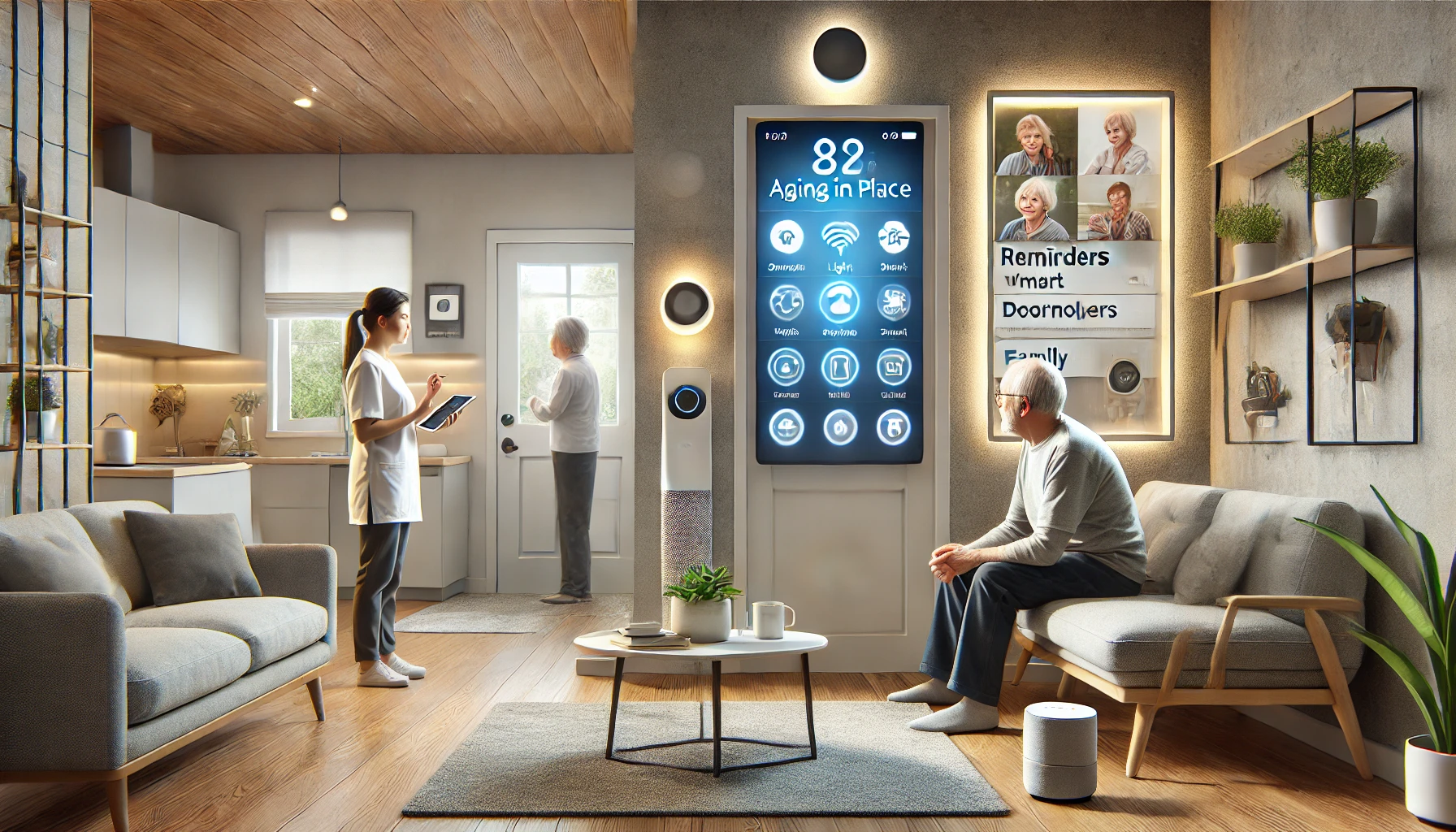
As our loved ones age, helping them live safely, comfortably, and independently becomes a priority. For many families, smart home technology has become an empowering solution — offering peace of mind, convenience, and assistance without being intrusive.
With the right setup, smart home devices can enhance the safety, comfort, and autonomy of elderly family members while allowing caregivers to stay connected and informed.
In this article, we’ll explore how to use smart home devices to support elderly family members, which gadgets make the biggest difference, and how to implement them thoughtfully.
Why Smart Homes Benefit the Elderly
Smart homes aren’t just about convenience — they can be life-enhancing and even life-saving. Here’s how:
- Prevent accidents like falls in dark hallways
- Remind about medications and appointments
- Provide help quickly in case of emergency
- Control the home without needing to walk, bend, or reach
- Connect family members without needing to handle a phone
- Maintain routines for better health and comfort
Importantly, many devices can be used without needing technical skills — thanks to voice commands, automation, and remote caregiver access.
1. Smart Lighting for Safety and Comfort
Falls are a major risk for elderly individuals. Proper lighting — especially at night — can make a huge difference.
How smart lights help:
- Automatically turn on when motion is detected
- Light up hallways and bathrooms at night
- Can be scheduled or voice-controlled
- Reduce the need to reach for switches
Best options:
- Philips Hue Motion Sensor + Smart Bulbs
- Wyze Smart Bulbs (budget-friendly)
- Govee Light Strips for stairs or under beds
- TP-Link Kasa smart switches
Tip: Set hallway lights to turn on dimly when motion is detected between 10 PM and 6 AM.
2. Voice Assistants for Hands-Free Help
Smart speakers like Amazon Echo or Google Nest can be powerful tools for older adults.
Use cases:
- Make voice-activated phone or video calls
- Get reminders for medication, appointments, or meals
- Control lights, thermostats, or TVs without moving
- Ask questions, play music, or hear the news
- Set timers or alarms easily
Choose models with:
- Clear audio and microphones
- Drop-in or call features
- Simple interface (no screen or a guided display)
Best picks:
- Echo Dot or Echo Show 8 (for Alexa users)
- Google Nest Mini or Nest Hub (for Google users)
Pro tip: Set up family calling or drop-in features so loved ones can check in without needing to press buttons.
3. Smart Plugs for Appliance Control
Reaching behind furniture to plug or unplug devices can be challenging. Smart plugs eliminate that need.
Use smart plugs to control:
- Lamps
- Heaters
- Coffee makers
- Fans
- Oxygen machines or humidifiers (if compatible and safe)
Best features:
- Remote control via app
- Voice control
- Scheduling for safety
- Auto shutoff after a set time
Top options:
- TP-Link Kasa
- Wemo Mini
- Meross Smart Plug with timer
Tip: Create routines like “Turn on the lamp at 7:00 PM and off at 10:30 PM” to support evening habits.
4. Smart Thermostats for Comfort and Energy Efficiency
Maintaining a comfortable temperature can be tough, especially for those with arthritis or mobility issues. Smart thermostats offer voice and remote control, plus room-by-room comfort.
Benefits:
- Adjust temperature without walking to the wall unit
- Set daily routines for warmth or cooling
- Caregivers can monitor remotely
- Save energy by automating use
Best models:
- Ecobee SmartThermostat with sensors
- Nest Learning Thermostat
- Honeywell T9
Automation idea: Warm the home before wake-up and reduce temperature at night — all hands-free.
5. Smart Door Locks and Video Doorbells
Answering the door or managing keys can be stressful or unsafe for elderly adults. Smart locks and doorbells improve security and convenience.
Smart doorbells:
- Show who’s at the door
- Allow two-way talk without opening
- Send alerts to caregivers when someone visits
Top models:
- Ring Video Doorbell
- Google Nest Doorbell
- Eufy Wireless Video Doorbell
Smart locks:
- Eliminate physical keys
- Allow remote unlocking for caregivers or family
- Track who enters and when
Recommended locks:
- August Wi-Fi Smart Lock
- Yale Assure Lock
- Schlage Encode
Pro tip: Create access codes for trusted visitors (nurse, cleaner) and get alerts when they’re used.
6. Smart Health Devices
Health-focused devices can help monitor well-being and offer proactive alerts.
Smart pill dispensers:
- Remind and dispense at set times
- Lock compartments to avoid double-dosing
- Send notifications if a dose is missed
Top options:
- MedMinder
- Hero Smart Dispenser
Wearables:
- Monitor heart rate, activity, or sleep
- Send fall alerts
- Track vitals over time
Devices to consider:
- Apple Watch with fall detection
- Fitbit with heart and sleep tracking
- Lively Wearable2 (designed for seniors)
7. Smart Displays for Visual Reminders and Connection
For seniors who benefit from visual cues, smart displays are a great addition.
Use them for:
- Calendar reminders
- Photo albums and family pictures
- Video calls
- Visual medication reminders
- Weather and news
Best choices:
- Google Nest Hub
- Amazon Echo Show
- Portal from Meta (Facebook)
Why it helps: Combines entertainment, information, and communication into one easy-to-use device.
8. Emergency Assistance With Smart Devices
When paired with the right tools, a smart home can also become a safety net.
Ideas:
- Set up a “help” command via voice assistant
- Use a motion sensor to detect inactivity (e.g., no bathroom visit in the morning)
- Add contact sensors to alert caregivers if a door opens at unusual times
- Use cameras (with consent) to monitor common areas
Important: Always prioritize privacy and consent when installing devices that record or track movement.
How to Involve Elderly Family Members in the Setup
The most successful smart home setups are done with older adults — not for them.
Tips:
- Involve them in choosing which tasks they want automated
- Demonstrate slowly, with printed instructions if helpful
- Keep devices visible and labeled
- Practice routines together a few times
- Be patient — comfort with tech takes time
Bonus: Show them how the system improves independence, not limits it.
Building Daily Routines for Elderly Care
Automation can support daily habits:
Morning Routine
- 7:00 AM: Lights gradually turn on
- 7:05 AM: Thermostat warms up room
- 7:10 AM: Smart speaker plays morning news
- 7:15 AM: Pill reminder triggers
Evening Routine
- 7:30 PM: Lights dim
- 7:35 PM: Thermostat cools slightly
- 7:40 PM: Sleep music starts
- 8:00 PM: TV turns off via smart plug
These routines reduce confusion and promote consistency, which is especially valuable for seniors managing memory or cognitive changes.
Final Thoughts: Smart Support for Independent Living
Smart home technology doesn’t replace human care — but it does make aging in place safer, easier, and more comfortable. With the right tools and setup, elderly family members can enjoy more independence, and caregivers gain peace of mind knowing that support is always just a voice command away.
Whether it’s adjusting lights, checking who’s at the door, or hearing a friendly voice say “Good morning,” smart tech brings confidence and convenience to daily life.
Because supporting those we love doesn’t have to be complicated — it can be smart.