
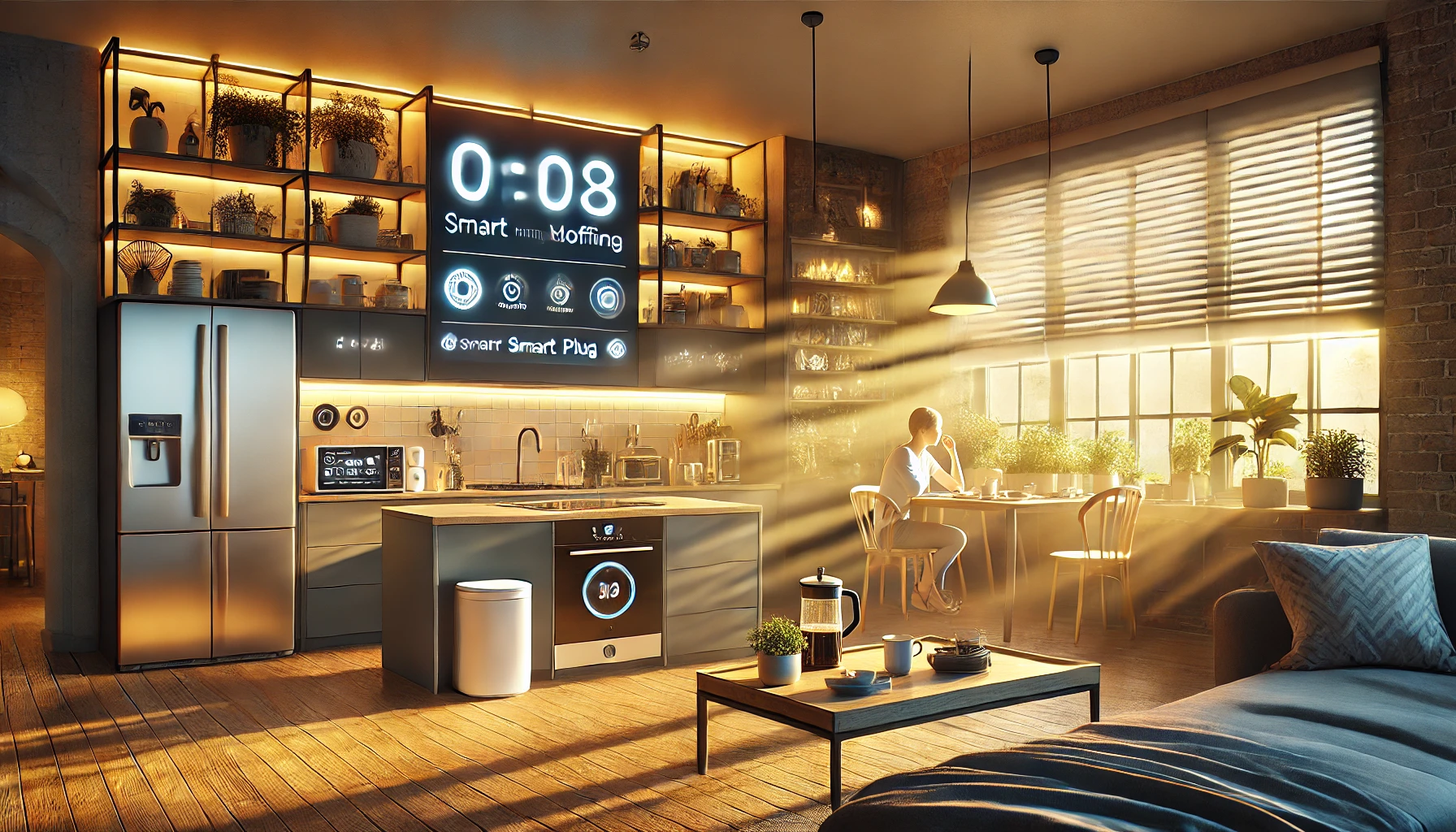
Imagine waking up each morning to soft lighting, warm coffee ready, your schedule read aloud, and the room already at the perfect temperature — all without lifting a finger. That’s the power of a well-designed smart home morning routine.
Whether you’re getting ready for a workday, managing kids, or easing into a weekend, automating your morning can help reduce stress, save time, and set a positive tone for the rest of your day.
In this article, we’ll walk through how to automate your morning routine using smart devices, what tools are most helpful, and how to create custom routines that match your lifestyle.
Why Automate Your Morning?
Mornings can often be the most rushed, chaotic part of the day. Smart devices allow you to:
- Save time by automating repetitive tasks
- Wake up gently instead of abruptly
- Stay informed with weather, news, and calendar updates
- Improve consistency and reduce forgetfulness
- Start your day in a more peaceful and organized way
Let your smart home do the heavy lifting — while you focus on getting ready.
Step 1: Start With Smart Lighting
Your body’s circadian rhythm responds to light. Waking up in darkness can make it harder to get moving, while abrupt bright lights are jarring.
Smart lights can:
- Gradually brighten before your alarm
- Shift from warm to cool tones to energize you
- Turn on automatically at a set time or sunrise
- Be controlled by voice or app
Recommended lights:
- Philips Hue Ambiance – Ideal for simulating sunrise
- LIFX Smart Bulbs – Color options and no hub required
- Govee Smart Bulbs – Affordable with dynamic effects
- Wyze Smart Bulbs – Budget-friendly for routines
Automation idea: Lights turn on at 10% brightness at 6:30 AM and reach 100% by 6:45 AM.
Step 2: Use Smart Speakers to Set the Tone
A smart speaker is your morning command center. With a single voice command or schedule, it can:
- Play your favorite music or radio
- Read your calendar events
- Provide weather and traffic reports
- Control other devices (lights, plugs, thermostats)
Best smart speakers:
- Amazon Echo – Great routines via Alexa
- Google Nest Audio or Nest Hub – Visual and verbal info
- Apple HomePod Mini – Great for Apple users with Siri
Routine tip: Set a morning trigger like “Alexa, good morning” to activate your full routine.
Step 3: Automate Your Climate With Smart Thermostats
Nobody likes crawling out of bed into a cold room. A smart thermostat can adjust the temperature before you even wake up, creating a cozy environment to start the day.
Benefits:
- Warms the room 15–30 minutes before wake-up
- Cools it during summer for comfort
- Adjusts differently on weekdays and weekends
- Works with voice commands or app
Top models:
- Nest Learning Thermostat
- Ecobee SmartThermostat with room sensors
- Honeywell T9
Automation idea: Set the thermostat to increase by 2–3°F at 6:00 AM.
Step 4: Start the Coffee With a Smart Plug
Not all coffee makers are smart — but any coffee maker can become smart with a smart plug.
How it works:
- Plug your standard machine into the smart plug
- Leave the machine switch in “on” position
- Set the plug to activate at your preferred time
Top smart plugs:
- TP-Link Kasa Smart Plug
- Wemo Mini Smart Plug
- Meross Smart Plug
Result: Coffee starts brewing automatically while you’re still waking up.
Step 5: Get Instant Info With Smart Displays
Smart displays add a visual layer to your routine. They can show:
- Your schedule
- Weather forecast
- Reminders or tasks
- News headlines
- Commute updates
Place one in your kitchen, bedroom, or hallway.
Great options:
- Google Nest Hub
- Amazon Echo Show 8
- Lenovo Smart Display
Routine tip: Display your calendar or a to-do list as part of your morning scene.
Step 6: Use Smart Blinds or Curtains for Natural Wake-Ups
Natural light helps signal your body that it’s time to start the day.
Smart curtains/blinds:
- Open gradually at sunrise or set time
- Sync with your lighting and alarm routines
- Improve mood and wakefulness
- Block glare or heat when needed
Suggested products:
- SwitchBot Curtain
- IKEA FYRTUR Smart Blinds
- Zemismart Motorized Blinds
Bonus: Let blinds open slowly after lights start to rise, easing your transition to wakefulness.
Step 7: Build a Routine in Your Smart Home App
Once your devices are in place, it’s time to create your morning routine.
Most ecosystems let you program multiple actions into one command or trigger.
Example Routine: “Weekday Wake-Up”
- 6:30 AM – Bedroom lights gradually turn on
- 6:31 AM – Thermostat warms the room
- 6:32 AM – Coffee maker turns on
- 6:35 AM – Speaker plays weather, news, and your first calendar event
- 6:45 AM – Bathroom light and fan turn on
- 6:50 AM – Smart blinds open
You can trigger routines by:
- Time
- Sunrise
- Voice command
- Motion sensor
- Leaving your bed (with sensor mat)
Use your smart home app (Alexa, Google Home, HomeKit) to build it easily.
Step 8: Use Automation to Help Kids or Roommates Too
You can customize routines for everyone in the house.
For kids:
- Play favorite music or cartoons
- Flash lights or use light strips as a fun wake-up
- Read the day’s school schedule
For partners:
- Set personalized reminders
- Adjust lighting/temperature based on wake-up preference
- Use voice profiles to customize content
Pro tip: Create separate routines for weekdays and weekends.
Step 9: Pair With Wellness and Mindfulness Tools
Your morning routine isn’t just about getting ready — it’s also a time to prepare your mind and body.
Add wellness to your smart routine:
- Play a guided meditation or breathing exercise
- Show motivational quotes on your display
- Start a yoga or stretching video
- Use smart speakers to remind you to hydrate
Apps like Headspace or Calm can be integrated with certain smart assistants.
Step 10: Review and Adjust Your Routine Regularly
Life changes — and your routine should too.
Every few weeks, ask yourself:
- Is my routine still helpful?
- Am I getting up on time and feeling less rushed?
- Do I need to shift the schedule or swap actions?
- Am I using all devices efficiently?
You can pause or edit routines in your app anytime.
Reminder: Automation is there to support you — not overwhelm you. Keep it simple and intuitive.
Final Thoughts: Win Your Morning With Smart Automation
The way you start your day sets the tone for everything that follows. A smart home morning routine helps you create a smoother, calmer, and more intentional start, even on busy days.
By combining smart lighting, climate control, audio, appliances, and personalized routines, you can make your mornings feel more natural, more efficient — and a lot less stressful.
Because when your home runs your routine, you get to focus on what matters most.