
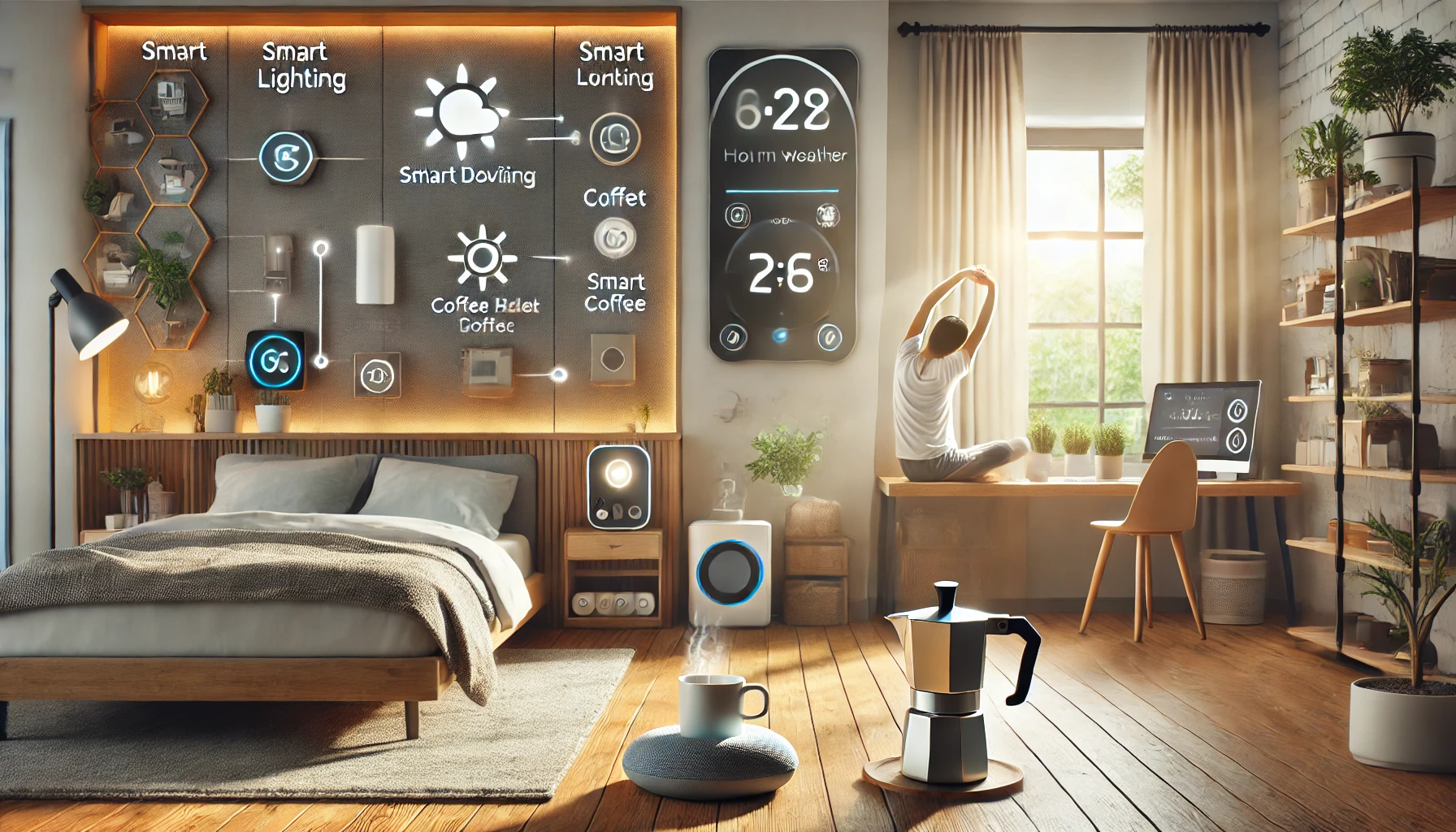
Imagine waking up to the soft glow of lights simulating sunrise, the smell of coffee brewing automatically, and your favorite playlist fading in — all without pressing a button. That’s not a futuristic fantasy anymore. That’s the reality smart home devices can offer today.
Modern life is fast-paced, and keeping up with everyday responsibilities often feels like juggling multiple tasks at once. The beauty of a smart home lies in its ability to automate and streamline daily routines, helping you save time, reduce mental load, and create a more comfortable living experience.
In this article, we’ll explore how smart home devices enhance daily routines — from morning to night — and which gadgets deliver the most impact with minimal effort.
What Are Smart Home Routines?
Smart home routines are sequences of automated actions triggered by voice commands, schedules, presence detection, or sensors. They bring together multiple devices to perform tasks in harmony, creating a hands-free and optimized home environment.
Examples of routine triggers:
- A specific time (e.g., 7:00 AM)
- Your voice command (e.g., “Alexa, good morning”)
- A sensor detecting motion
- Your phone leaving or arriving at home
- Sunrise or sunset
These routines turn your house into an active assistant — one that learns and adapts to your lifestyle.
How Smart Devices Enhance Your Morning Routine
Starting your day on the right note can impact everything that follows. Smart home gadgets make mornings smoother and less chaotic.
1. Smart Lights
Simulate sunrise to wake you up gradually instead of with a jarring alarm.
Automation idea:
Lights slowly brighten between 6:30 and 6:45 AM, reaching full brightness by your wake-up time.
2. Smart Speakers and Displays
Greet you with the weather, news, calendar events, or traffic updates as you get ready.
Voice command example:
“Good morning” triggers lights, weather briefing, and coffee.
3. Smart Coffee Maker or Plug
Brew your coffee automatically as part of your morning routine using a smart plug or a Wi-Fi-enabled coffee maker.
4. Smart Thermostat
Warms up the room before you get out of bed or adjusts based on outdoor conditions.
Bonus: Save energy by reducing temperature overnight and warming it only when you’re about to wake.
5. Smart Blinds
Open gradually to let in natural light and help reset your circadian rhythm.
Automation idea:
Blinds open at sunrise or at your preferred morning time.
Streamlining the Midday Routine
Whether you’re working from home, caring for a family, or managing errands, the right smart home setup keeps your day running smoothly.
1. Smart Plugs for Productivity
Turn on or off devices like printers, lamps, fans, or essential electronics on a schedule.
2. Smart Security Cameras and Doorbells
Let you monitor deliveries, answer the door remotely, or get notified if movement is detected.
Real-world benefit: You don’t need to interrupt work to see who’s at the door — check the feed from your phone or smart display.
3. Smart Locks
Grant temporary access to guests, housekeepers, or dog walkers — even if you’re not home.
4. Smart Vacuum Cleaners
Schedule them to clean when you’re out or in meetings so they don’t disturb you.
Popular models:
iRobot Roomba, Roborock, Eufy RoboVac
5. Smart Lighting for Focus
Set specific lighting scenes for “work,” “reading,” or “study” to support productivity.
Tip: Cool white light boosts alertness, while warmer tones are better for relaxing.
Enhancing the Evening Wind-Down Routine
Evenings are for rest, connection, and preparing for tomorrow. Smart devices help you transition smoothly.
1. Smart Lighting Scenes
Create relaxing ambiances with dimmed, warm light.
Scene idea: “Evening Chill” with warm lighting, low music, and blinds drawn.
2. Smart Speakers
Play relaxing music, ambient sounds, or your favorite playlist to unwind.
3. Smart TV Integration
Use your voice to launch Netflix, YouTube, or your favorite show without using the remote.
4. Smart Kitchen Gadgets
Use voice assistants to set timers, ask for recipes, or preheat your oven.
Bonus: Set routines that prep the kitchen for bedtime (lights off, appliances off, etc.).
5. Smart Thermostat Adjustments
Automatically reduce heating/cooling as bedtime approaches, creating the ideal sleep environment.
Nighttime and Sleep Routines
Smart devices also support your sleep by managing your environment and helping you disconnect from screens and stress.
1. Smart Bedtime Routine
Trigger lights to dim gradually, audio to fade out, and temperature to drop slightly to induce sleepiness.
2. White Noise Machines or Smart Speakers
Play calming sounds, guided meditations, or gentle music to help you fall asleep.
3. Smart Plugs
Turn off devices like nightstand lamps, humidifiers, or chargers automatically after a set time.
4. Smart Displays with Sleep Tracking
Some models (like Google Nest Hub 2nd Gen) offer sleep monitoring and suggestions.
5. Smart Curtains or Blinds
Close automatically at night for better sleep hygiene and privacy.
Safety and Security While You Sleep
The best part about a smart routine is knowing your home is protected while you rest.
Add these to your nighttime automation:
- Lock all doors (smart locks)
- Arm security system (cameras + motion sensors)
- Turn on outdoor lights (motion-activated)
- Power down non-essential appliances
- Enable “Do Not Disturb” mode on notifications (except for alerts)
Weekend or “Chill Mode” Routines
Customize your weekends or lazy days with special routines:
- Lights dim to a cozy tone
- Play background music or nature sounds
- Delay alarms automatically
- Set the coffee maker to start later
- Trigger vacuum or air purifier cycles late morning
Smart home setups aren’t one-size-fits-all — tailor routines to how you actually live and relax.
How to Get Started with Smart Routines
Step 1: Choose Your Ecosystem
Start with Alexa, Google Assistant, or Apple HomeKit — all support routines.
Step 2: Set Up Key Devices
Begin with lights, plugs, speakers, and thermostats — then expand.
Step 3: Use Built-in Apps
Each platform has a built-in app to create routines:
- Amazon Alexa app: Tap “Routines” → Add
- Google Home app: Tap “Routines” → Create custom
- Apple Home app: Use “Automation” section
Step 4: Trigger Creatively
Try different triggers:
- Time of day
- Motion detected
- Voice command
- Leaving or arriving home
Step 5: Test and Tweak
Try your routines for a few days and adjust. If something feels unnatural or disruptive, simplify it.
Tips to Make Smart Routines Even Smarter
- Label devices clearly so you can easily identify them in routines
- Group by room (e.g., “Living Room Lights”) to manage faster
- Create “scenes” (like “Dinner Time” or “Kids’ Bedtime”) for convenience
- Use multiple triggers (e.g., “when I arrive home” + “after 6 PM”)
- Review automation regularly — keep what works, update what doesn’t
Final Thoughts: Smarter Routines for a Better Life
Smart home devices aren’t just about convenience — they’re about designing a lifestyle that works better for you. With a few simple automations, you can reclaim time, reduce stress, and live with more ease and intention.
From morning wake-ups to nighttime wind-downs, smart routines give your home the power to support you — not distract you. Start small, keep it meaningful, and let your routines evolve with your life.
Because a truly smart home doesn’t just do more — it helps you do less.