
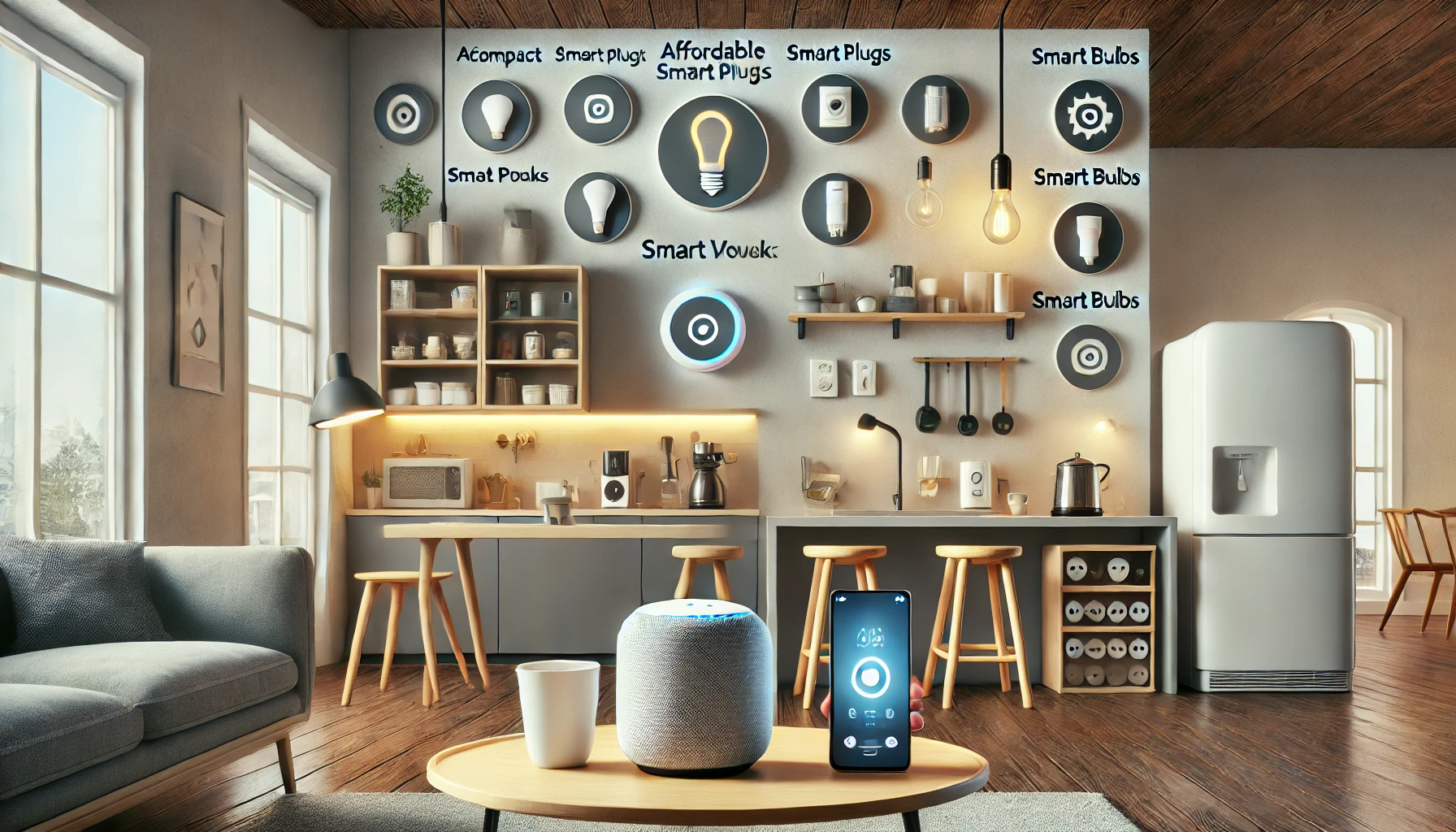
Smart homes no longer belong only to luxury apartments and high-tech enthusiasts. With more brands entering the market and prices becoming increasingly accessible, building a smart home on a budget is completely possible — and surprisingly practical.
You don’t need thousands of dollars or professional installation to enjoy automation, energy savings, or hands-free control. All it takes is some smart planning, the right devices, and a focus on essentials that offer real everyday value.
In this article, you’ll learn how to build a budget-friendly smart home step by step — from choosing your ecosystem to selecting affordable gadgets that pack a punch without breaking the bank.
Step 1: Choose Your Smart Home Ecosystem Wisely
Before buying anything, choose a platform to build around. This helps ensure your devices are compatible and that you won’t need multiple apps or voice assistants for different gadgets.
The three main ecosystems:
- Amazon Alexa – Affordable, wide compatibility, and lots of budget-friendly devices.
- Google Assistant – Strong integrations with Android and Google services.
- Apple HomeKit/Siri – Great for Apple users, though usually more premium-priced.
Recommendation for budget users:
Stick with Amazon Alexa or Google Assistant, as they offer more low-cost options and flexibility.
Step 2: Start Small With High-Impact Devices
When building a smart home on a budget, the goal is to start with devices that deliver the most value in daily use — without needing a complex setup.
Here are the top entry-level smart gadgets that are affordable and impactful:
1. Smart Speaker or Display
This will be your control hub. It allows for voice control and centralizes your smart home experience.
Budget options:
- Echo Dot (5th Gen) – Often on sale for under $30
- Google Nest Mini – Affordable and compact
- Used/refurbished units – A great way to save even more
Why it matters:
You’ll use this device to control everything — lights, plugs, routines — with your voice or app.
2. Smart Plugs
Smart plugs turn regular appliances into smart ones. You can schedule them, control them remotely, and even monitor energy use (on some models).
Best uses:
- Lamps
- Coffee makers
- TVs or game consoles
- Fan or heaters (as long as compatible with the plug’s rating)
Affordable picks:
- TP-Link Kasa Smart Plug Mini
- Amazon Smart Plug
- Wyze Plug
Average cost: $10–20 per plug
3. Smart Bulbs
Smart bulbs allow you to dim, change colors, and automate your lighting — all through your voice or app.
Why it’s budget-friendly:
They install like regular bulbs and don’t require new switches or wiring.
Budget bulbs to consider:
- Sengled Smart LED
- Wyze Color Bulb
- Govee Smart Bulbs
Bonus: Many brands offer bundles at a discount.
4. Smart Light Strips (Optional)
If you want to add ambiance to your space affordably, light strips are great for under cabinets, behind TVs, or in bedrooms.
Affordable brands:
- Govee LED Light Strip
- Tapo Smart RGB Light Strip
Why it’s worth it:
Instant upgrade to atmosphere and comfort for under $25.
Step 3: Use Routines and Schedules to Maximize Efficiency
Automation is the heart of a smart home — and it doesn’t cost anything extra.
Here’s how to maximize the value of your devices:
Suggested beginner routines:
- “Good Morning”: Lights turn on, coffee maker starts, weather is read aloud.
- “Good Night”: Lights turn off, smart plugs shut down devices, music stops.
- “Away”: All smart plugs and lights turn off to save energy.
- “Movie Time”: Dim lights or turn on light strips for cinema ambiance.
All these can be set up easily in the Alexa or Google Home apps, even with free accounts.
Step 4: Expand Gradually Based on Needs
Once your base setup is running smoothly, add devices that solve specific problems or improve your experience — without going over budget.
Here are low-cost expansion ideas:
1. Smart Motion Sensors
- Automate lighting to turn on only when needed
- Useful for entryways, hallways, and bathrooms
- Example: Philips Hue Motion Sensor or Sonoff PIR Sensor
- Cost: $15–$25
2. Smart IR Remote
- Control “dumb” devices like TVs and AC units with your phone or voice
- Great for non-smart electronics
- Example: BroadLink RM4 Mini
- Cost: $20–$30
3. Smart Door Sensors
- Know if a door or window is open
- Can trigger lights or send alerts
- Example: Aqara Door and Window Sensor
- Cost: $15 or less
4. Budget Smart Cameras
- Monitor your home remotely without a subscription
- Example: Wyze Cam v3 or Blink Mini
- Cost: $20–$30
Tip: Stick with one brand where possible to reduce app clutter and improve integration.
Step 5: Save Money with Bundles, Sales, and Refurbished Devices
Here’s how to stretch your smart home budget further:
Watch for:
- Seasonal sales: Black Friday, Prime Day, Cyber Monday
- Device bundles: Many brands offer kits with speakers, plugs, or bulbs
- Refurbished devices: Certified used devices from Amazon or the manufacturer
- Coupons and promotions: Check the brand’s app or website for discounts
You don’t need to buy everything at once. Build over time, starting with high-impact devices first.
Step 6: Use Automation to Save on Energy Bills
Beyond convenience, one of the best ways smart devices save money is through energy savings.
Examples:
- Smart plugs turn off electronics overnight
- Lights auto-dim or shut off when you leave
- Motion sensors reduce energy in low-use areas
- Schedules limit overuse of heating/cooling devices
Result: You not only build a smart home, but also a cost-efficient one.
Estimated Budget Breakdown for a Starter Setup
Here’s an example of a budget-friendly smart home setup under $150:
- Echo Dot or Nest Mini – $30
- 2 Smart Plugs – $30
- 2 Smart Bulbs – $30
- 1 Motion Sensor – $20
- 1 IR Blaster (optional) – $25
- Mobile apps (Free)
Total: Around $135–$150 — with flexibility for even less if you catch items on sale.
This setup gives you:
- Full voice and app control
- Smart lighting and appliances
- Energy savings
- Basic automation and routines
What to Avoid When Building a Budget Smart Home
❌ Buying Devices That Don’t Work Together
Always check compatibility with your chosen ecosystem (Alexa, Google, Apple).
❌ Ignoring Power Ratings
Don’t use smart plugs for high-powered appliances unless they’re rated for it (e.g., space heaters).
❌ Over-Automating
Start simple. Too many automations can create confusion or conflicts between devices.
❌ Skipping Updates
Even budget devices need regular firmware updates for security and performance.
❌ Chasing Every Trend
Stick to your needs. Avoid gadgets that don’t solve real problems just because they’re new or hyped.
Final Thoughts: Smarter Doesn’t Have to Mean Expensive
Creating a smart home on a budget is absolutely possible — and more accessible than ever. With the right ecosystem, affordable entry-level devices, and strategic automation, you can improve your lifestyle without draining your wallet.
Start small. Focus on the essentials. Build gradually. Over time, you’ll create a home that responds to your needs, saves energy, and brings daily convenience — all without overspending.
Smart doesn’t have to mean costly. It just means thoughtful.