
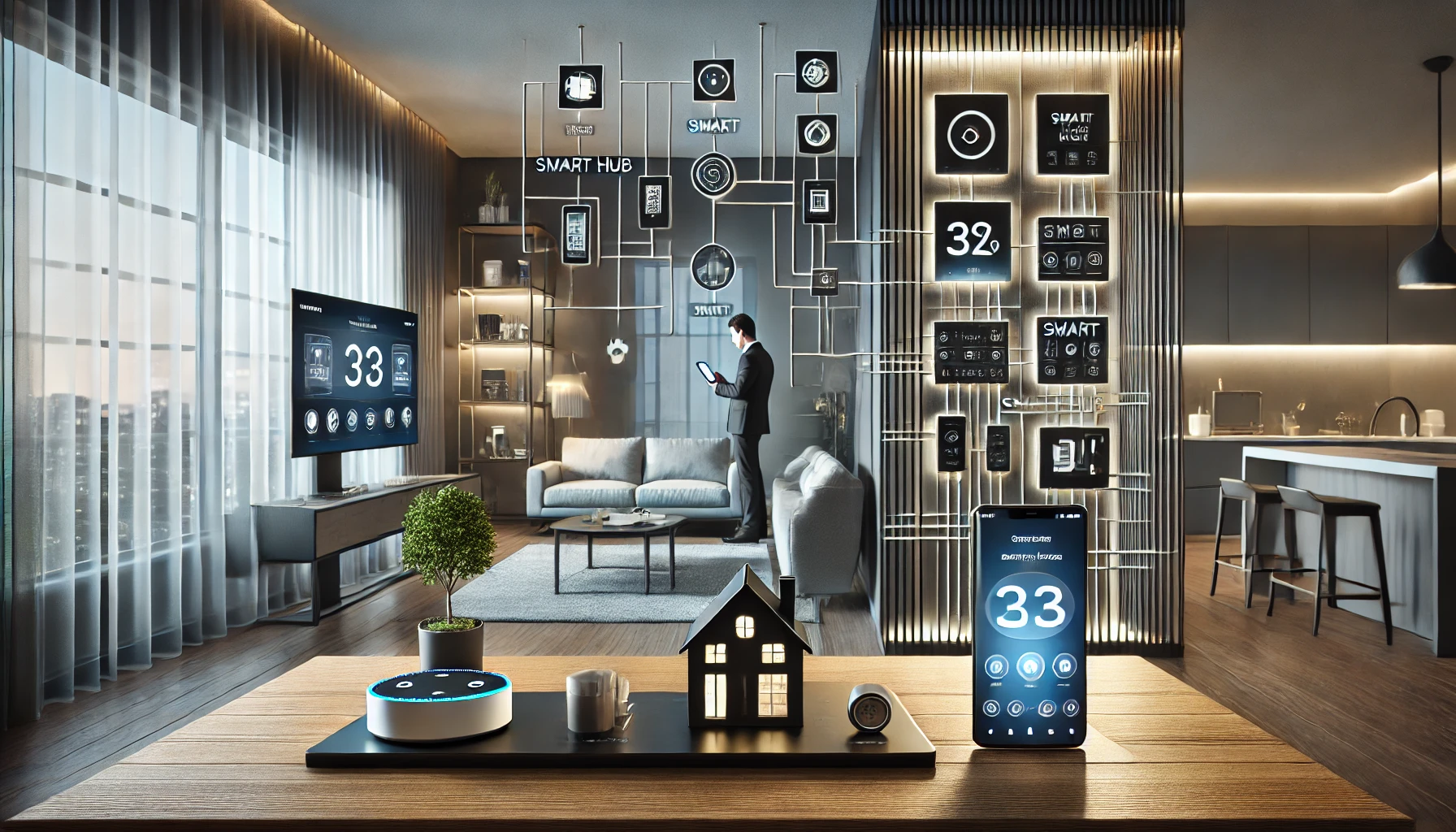
As smart homes become more advanced, the number of connected devices — from lights and locks to cameras and thermostats — continues to grow. But with so many devices often made by different brands, keeping everything coordinated can become a challenge. That’s where smart hubs come in.
A smart hub acts as the central brain of your smart home. It unifies all your gadgets, even across different brands and communication protocols, so you can control them from one place and create powerful automations.
In this guide, we’ll explore what a smart hub is, why you need one, the different types available, and the best smart hubs in 2025 for seamless device control.
What Is a Smart Hub?
A smart hub is a device that connects and controls multiple smart home gadgets — like lights, sensors, cameras, thermostats, and appliances — even if they come from different manufacturers or use different communication standards.
Hubs centralize control through:
- A dedicated app
- Voice assistants
- Automations (routines, schedules, triggers)
They’re especially useful for integrating Zigbee, Z-Wave, Wi-Fi, and Bluetooth devices into a single ecosystem.
Why Use a Smart Hub?
While many smart home gadgets can be controlled via individual apps, a hub provides:
✅ Unified Control
Control all your devices in one place — no more switching between five different apps.
✅ Automation
Create routines that involve multiple devices from different brands.
Example: “Goodnight” turns off lights, locks doors, and lowers thermostat — all at once.
✅ Broader Compatibility
Connect devices that wouldn’t normally work together (e.g., a Zigbee light with a Wi-Fi camera).
✅ Local Control
Some hubs allow local processing, which keeps your smart home running even if the internet goes down.
✅ Better Reliability
Reduce Wi-Fi congestion by using dedicated communication protocols like Zigbee and Z-Wave.
Types of Smart Hubs
Smart hubs can be divided into a few main categories:
1. Dedicated Smart Hubs
Purpose-built devices that manage a variety of smart gadgets.
Features:
- Support for multiple protocols (Zigbee, Z-Wave, Bluetooth, etc.)
- Robust automation engines
- Local processing
- Often compatible with hundreds of devices
Examples: Samsung SmartThings Hub, Hubitat Elevation, Aeotec Smart Home Hub
2. Voice Assistant Hubs
Smart speakers or displays that include hub functionality.
Examples:
- Amazon Echo with Zigbee
- Google Nest Hub
- Apple HomePod Mini (uses Thread and HomeKit)
Pros:
- Built-in voice assistant
- Ideal for simpler setups
- Affordable
3. Home Security Hubs
Designed for security but often include automation features.
Examples:
- Ring Alarm Base Station
- Abode Smart Security Hub
- SimpliSafe Base Station
Great if home security is your top priority but you still want smart control.
4. Software-Based HubsApps or platforms that function as a virtual hub without additional hardware.
Examples:
- Home Assistant
- Apple Home (HomeKit)
- Samsung SmartThings App
- Google Home App
Pros:
- No extra devices required
- Cloud-based access
- Simple for basic setups
Cons:
- Limited local control
- May not support advanced automations or protocols
Best Smart Hubs in 2025
Let’s look at the top smart hubs that combine compatibility, power, and ease of use.
1. Samsung SmartThings Hub (Aeotec Edition)
One of the most versatile hubs available.
Key features:
- Supports Zigbee, Z-Wave, Wi-Fi
- Works with Alexa and Google Assistant
- Huge device compatibility
- Reliable mobile app
Why it’s great:
It’s perfect for beginners and power users alike — offering a balance of simplicity and depth.
2. Amazon Echo (4th Gen)
Smart speaker + smart hub in one.
Key features:
- Built-in Zigbee radio
- Alexa voice assistant
- Works with thousands of Alexa-compatible devices
- Great sound quality
Why it’s great:
Perfect if you already use Alexa and want basic automation without extra gear.
3. Apple HomePod Mini
Ideal for iOS users and HomeKit environments.
Key features:
- Supports Thread and Bluetooth
- Seamless integration with iPhone, iPad, and Apple Watch
- Private, secure automation
- Siri voice assistant
Why it’s great:
Beautiful design and excellent privacy features for Apple-centric homes.
4. Google Nest Hub (2nd Gen)
A display and hub in one, for Google lovers.
Key features:
- Google Assistant built-in
- Works with Google Home ecosystem
- Touchscreen for control and monitoring
- Supports Matter and Thread (with new versions)
Why it’s great:
All-in-one device that acts as a control center for your home.
5. Hubitat Elevation
A powerful hub for advanced users.
Key features:
- Local processing (no cloud required)
- Supports Zigbee and Z-Wave
- Powerful rule-based automation
- Compatible with hundreds of devices
Why it’s great:
If you want full control, privacy, and advanced customization, Hubitat is unmatched.
Choosing the Right Smart Hub for You
Here are a few things to consider when deciding:
📱 Your Ecosystem
- Alexa? Choose Echo or SmartThings
- Google? Go with Nest Hub
- Apple? HomePod Mini is best
- Mixed devices? SmartThings or Hubitat for broad support
💡 Automation Complexity
- Simple routines = Voice assistant hubs
- Advanced multi-device automations = Dedicated hubs
📶 Internet Reliability
- Poor connection? Opt for hubs with local processing (like Hubitat or SmartThings)
🔐 Privacy Concerns
- Apple HomeKit and Hubitat offer strong privacy protections
💰 Budget
- Echo or HomePod Mini: ~$100 or less
- SmartThings/Hubitat: ~$120–$150
- Full smart displays: $150–$250
Smart Hub Setup Tips
Setting up your smart hub correctly will ensure smooth operation across your devices.
1. Place Hub Centrally
For wireless connections, install your hub near the center of your home for better signal distribution.
2. Connect Key Devices First
Start with your essential devices (lights, locks, thermostat) before expanding to others.
3. Group by Room or Purpose
Use your app to create rooms or scenes like:
- “Living Room” for lights and TV
- “Morning” to adjust blinds, lights, and music
- “Away” to activate security
4. Use Automations Wisely
Automate for convenience — not complexity. Start with simple routines and build over time.
5. Keep Firmware Updated
Regularly update your hub and connected devices for security and new features.
Future-Proofing with Matter and Thread
Matter is a new universal smart home standard developed by major tech companies (Apple, Google, Amazon, Samsung). It aims to improve compatibility across devices.
Thread is a networking protocol that works with Matter to offer fast, low-power connections.
Many new hubs already support Matter and Thread — a big plus for long-term compatibility.
Final Thoughts: Unify Your Smart Home
If you’re serious about building a smart home that works seamlessly, a smart hub is the foundation you need. It centralizes control, opens up deeper automation possibilities, and ensures your devices play well together — no matter the brand.
Whether you want basic voice control or a highly automated environment, there’s a smart hub that fits your ecosystem, goals, and lifestyle.
A true smart home isn’t about having the most gadgets — it’s about having them work together. And a smart hub is what makes that possible.