
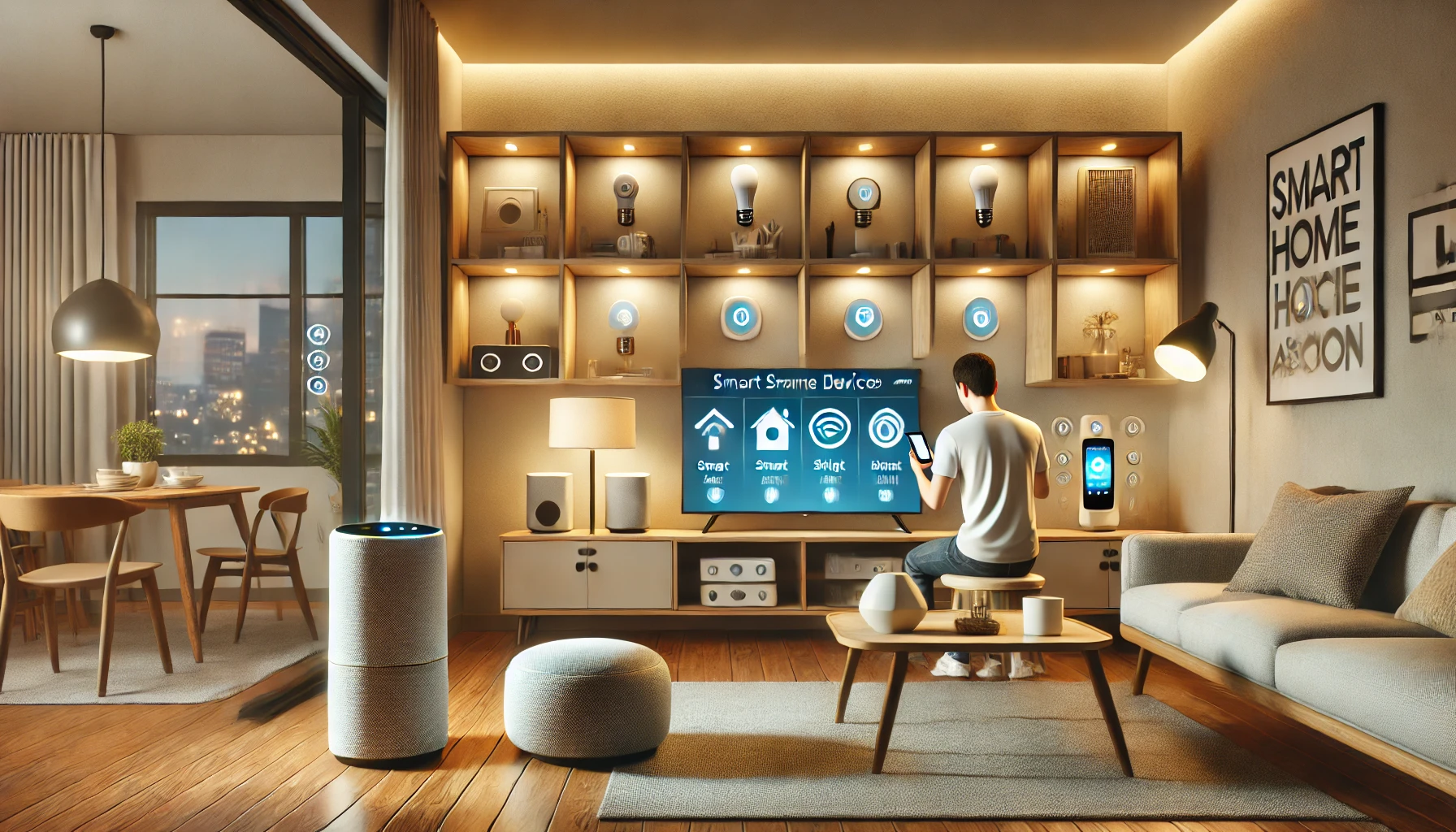
Smart home technology is no longer just a futuristic dream — it’s here, it’s affordable, and it’s changing the way we live. Whether you want to automate your lights, manage your thermostat, or create an entire ecosystem of connected devices, starting with smart home automation can seem overwhelming at first.
But don’t worry — you don’t need to be a tech expert or spend thousands of dollars to begin. In fact, building a smart home can start with a single device, and grow from there.
This article is your complete guide to smart home automation for beginners. You’ll learn what it is, how it works, the best devices to start with, and essential tips to create a system that’s easy to manage, secure, and truly useful in your daily life.
What Is Smart Home Automation?
Smart home automation refers to the use of internet-connected devices to control and automate household systems such as lighting, heating, cooling, security, entertainment, and more. These devices can be managed through apps, voice commands, or automated routines.
Examples of what smart automation can do:
- Turn off all lights with one voice command
- Automatically adjust your thermostat when you leave home
- Get alerts if someone is at your front door
- Start your coffee maker at 7 AM every weekday
- Lock your doors remotely from your phone
The goal is to make your home more convenient, efficient, and secure — all while reducing effort and manual tasks.
Benefits of Smart Home Automation
Here’s why more people are embracing home automation every year:
✅ Convenience
Control your home from anywhere — your couch, your office, or even while traveling abroad.
✅ Energy Efficiency
Automate heating, cooling, and lighting to reduce energy usage and lower your bills.
✅ Improved Security
Monitor your home with smart cameras, doorbells, and locks. Get real-time alerts for unusual activity.
✅ Customization
Tailor your home experience to your routine, mood, or schedule.
✅ Accessibility
Smart homes can improve independence for seniors or people with disabilities through voice control and automation.
Essential Smart Home Devices for Beginners
When you’re just getting started, focus on devices that are easy to install, budget-friendly, and provide instant value.
1. Smart Speakers and Voice Assistants
These are the brains of your smart home, allowing you to control devices with simple voice commands.
Popular options:
- Amazon Echo (Alexa)
- Google Nest Mini (Google Assistant)
- Apple HomePod Mini (Siri)
Use cases:
- “Turn off the kitchen lights”
- “What’s the weather today?”
- “Play relaxing music”
Voice assistants also help control compatible lights, plugs, thermostats, and more.
2. Smart Plugs
The easiest way to make any regular device “smart.”
Benefits:
- Turn appliances on/off from your phone
- Set timers and schedules
- Monitor energy usage
- Add voice control to basic devices
Examples: control lamps, coffee makers, fans, or holiday lights.
3. Smart Lighting
Replace standard bulbs with smart bulbs to control brightness, color, and scheduling.
Key features:
- Dim or change color without a dimmer switch
- Automate lights based on time of day
- Group bulbs by room or routine
- Use motion sensors to activate lights automatically
Top brands: Philips Hue, LIFX, Sengled
4. Smart Thermostats
These help reduce energy waste and keep your home comfortable.
Functions:
- Learn your schedule and adjust temperatures
- Monitor HVAC performance
- Save on energy bills with eco modes
- Control remotely via app
Popular models include Nest, Ecobee, and Honeywell.
5. Smart Doorbells and Security CamerasKeep an eye on your home, even when you’re not there.
Features:
- Motion detection
- Live video feeds
- Two-way communication
- Video recording
Integrate with other devices to trigger lights or alarms.
How to Build a Smart Home Automation System
Getting started is easier than you think. Follow these steps:
Step 1: Choose Your Smart Home Ecosystem
Stick with one of the major platforms to ensure all your devices are compatible.
Main ecosystems:
- Amazon Alexa
- Google Assistant
- Apple HomeKit
Choose based on the devices you already use or your preferred assistant.
Step 2: Start Small and Scale Gradually
Begin with one or two devices — like a smart plug and a voice assistant — and build from there. As you get comfortable, add more devices.
Example starter kit:
- 1 smart speaker
- 2 smart bulbs
- 1 smart plug
- 1 thermostat or security camera
This gives you control over lighting, appliances, and comfort from day one.
Step 3: Set Up Automation Routines
Once you’ve added a few devices, create simple routines that automate your daily life.
Routine ideas:
- “Good morning” – Turns on lights, starts coffee, reads news
- “Good night” – Turns off lights, locks doors, sets thermostat
- “Away” – Turns off everything and activates security systems
- “Movie time” – Dims lights, turns on TV, adjusts temperature
Most platforms let you create routines in their apps with drag-and-drop logic.
Step 4: Use Voice and App Controls
Control your devices by:
- Voice: “Hey Google, turn on the hallway light”
- App: Tap to activate devices remotely
- Scheduled: Set lights to turn on at sunset automatically
- Sensor-based: Lights turn on when you enter a room
You’ll quickly find which methods work best for you.
Smart Home Tips for Beginners
🛠️ 1. Plan Your Layout
Before buying devices, consider which rooms or functions you want to automate. Focus on high-traffic areas or pain points in your daily routine.
🔄 2. Stick to One Brand When Possible
Choosing one brand for bulbs, plugs, or thermostats makes setup and integration easier. Look for “Works with Alexa” or “Google Assistant” labels.
🔐 3. Secure Your Smart Home
Protect your network and devices with:
- Strong, unique passwords
- Two-factor authentication
- Regular firmware updates
- A dedicated guest Wi-Fi network
Security should grow with your system.
🌐 4. Ensure Strong Wi-Fi Coverage
Smart devices depend on stable internet. If your home has Wi-Fi dead zones, consider upgrading your router or installing a mesh system.
🔁 5. Keep it Simple at First
Don’t automate everything all at once. Focus on automation that solves a real problem or adds daily value.
Mistakes to Avoid
Even experienced users can run into problems. Watch out for:
❌ Incompatibility
Not all devices work together. Always check if your new gadget supports your chosen ecosystem (Alexa, Google, or Apple).
❌ Over-Automation
Too many routines can be confusing. Start with a few essentials and build from there.
❌ Forgetting Manual Overrides
Make sure you can still control devices manually in case of app or Wi-Fi issues.
❌ Ignoring Privacy Settings
Review what data your devices collect and adjust settings to your comfort level.
Future-Proofing Your Smart Home
Technology moves fast — but you can stay prepared by:
- Choosing devices that support over-the-air updates
- Opting for devices with open ecosystem compatibility
- Using modular systems that let you add or remove devices easily
- Keeping apps and firmware regularly updated
This ensures your system stays relevant, secure, and functional long-term.
Final Thoughts: A Smarter, Simpler Home Starts Here
Smart home automation isn’t just for tech enthusiasts anymore. With today’s user-friendly devices and affordable prices, anyone can start building a more connected, efficient home — one gadget at a time.
By focusing on practical needs, sticking to one ecosystem, and starting small, you’ll quickly experience the time-saving and comfort-boosting power of smart living.
The best part? Your home will work for you — not the other way around.